Construction Daily Report App: How to Choose the Right Tool in 2025
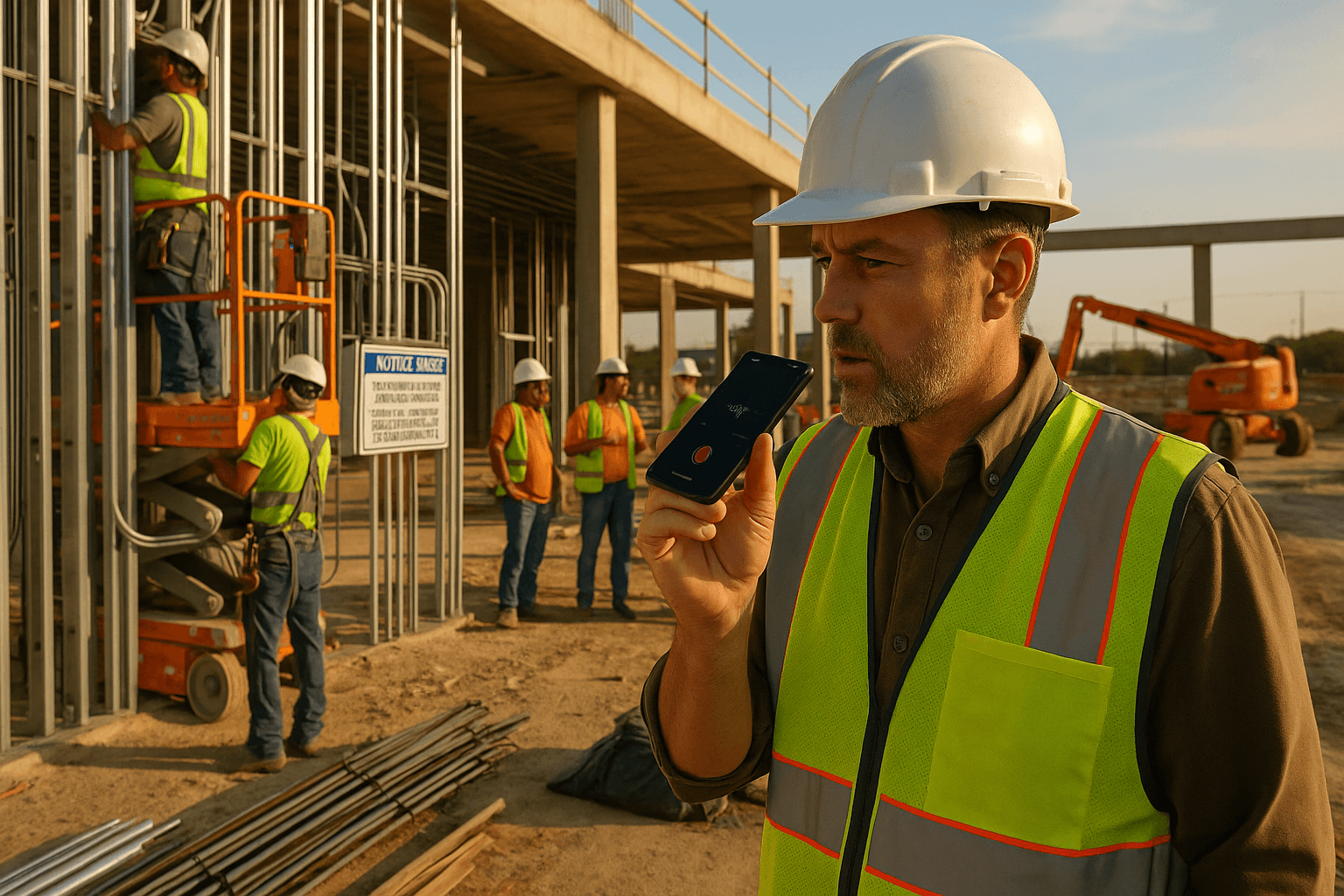
You already know how your day really ends: last crew out at 5:30, last sub call at 6:15, and then you’re staring at a blank screen at 9:45 pm trying to remember who was actually on site. The right construction daily report app is supposed to fix that. Most don’t. They just move the pain from paper to a small screen.
What actually works for supers and foremen in 2025 is simple: tools that match how you talk, where you work, and how tired you are at the end of the day.
Table of Contents
- Why Daily Reports Still Suck in 2025 (and Why Apps Haven’t Fixed It Yet)
- What a Construction Daily Report App Needs to Do for Field Teams
- Key Features to Look For in a Daily Construction Report App
- How to Evaluate Daily Report Apps (Without Wasting Weeks on Trials)
- Cost Breakdown: What You Actually Pay Per Daily Report
- Where ProStroyka Fits in the Daily Report App Landscape
- Implementation Plan: Rolling Out a Daily Report App in 7 Days
- Next Steps: Try a Daily Report App on Your Next Shift
Why Daily Reports Still Suck in 2025 (and Why Apps Haven’t Fixed It Yet)
Before we talk tools, let’s be clear on the core problem: daily reports aren’t a side task. For most supers, they’re the only written record of what actually happened on site.
A construction daily report app is supposed to make that easier. In reality, many apps are just digital versions of a long form. Same typing, same guessing on manpower counts, same gaps when you’re rushing.
The reality on site: 10 pm paperwork, copy-paste templates, and missing details
You’ve probably lived one of these:
- You get home at 9 pm, open your laptop, and try to remember if that concrete pour actually finished at 2:30 or 3:15. You guess. Tomorrow, you won’t remember what you guessed.
- You’ve got a “daily report template” in Word or Excel. You duplicate yesterday’s file, change the date, tweak a few numbers, and hope you didn’t miss a crew or piece of equipment.
The result:
- Incomplete manpower logs (sub says 8 guys, your log shows 6)
- Vague notes on delays (“truck late”) with no times or impact
- Photos scattered in your phone, WhatsApp, and email, not tied to any specific daily
This isn’t about being careless. It’s about trying to document a 10–12 hour day in a 45-minute typing session when you’re exhausted.
Where traditional apps fall short for supers and foremen
Most “daily construction report software” lives inside big project platforms. They’re built for PMs and office staff first, field second.
Common pain points:
- Too many taps and menus. To log “8 drywall, 4 electricians, 1 scissor lift,” you click through 4–5 screens.
- Typing-heavy. You’re pecking on a phone keyboard with gloves in your pocket and dust on the screen.
- Bad on weak signal. Basement levels, remote sites, steel structures — the app spins and you give up.
Example scenarios:
- You try to log a safety incident in the app, but it needs three required fields and a dropdown that won’t load. You write it in your notebook instead and “plan to enter it later.” You don’t.
- Your company rolled out a big all-in-one platform. Corporate loves the dashboards. In the field, supers quietly go back to email, text, and Excel because the daily log takes too long.
The core issue: these tools treat the construction daily log app as just another module, not as the main workflow you live in at the end of every shift.
What a Construction Daily Report App Needs to Do for Field Teams
First, a definition so we’re on the same page.
A construction daily report app is a field-first tool built specifically to capture the day’s work — manpower, quantities, equipment, delays, safety, weather, and photos — and turn it into a standard daily report, usually a PDF, that PMs, GCs, and owners can actually read and trust.
It’s different from generic project management software because it focuses on one job only: the daily. Not RFIs, not submittals, not schedule logic. Just clean, consistent documentation of what happened today.
Non-negotiables for superintendents and foremen
If you’re in the field, your non-negotiables look like this:
- Fast input, minimal typing. You should be able to walk the job at 4:45 pm, talk through the day, and be done.
- Works offline. Basement slab pour? Remote warehouse? The app still has to work.
- Simple flow. One continuous pass: talk → attach photos → review → send.
- Real jobsite language. The app should handle how you actually speak: “8 guys on steel, 4 on rough-in, lost 2 hours waiting on inspections.”
Scenario 1: You’re on a mixed-use project, elevator inspections held you up 2.5 hours. You hit record, say what happened, snap 3 pictures of the inspector’s tag and idle crew, hit finish. That’s it.
Scenario 2: You’re a foreman on a concrete crew. At the truck, you speak into your phone: “Poured 120 CY on south foundation wall, started at 7:15, wrapped at 1:45, pump breakdown from 9:10 to 9:40.” No forms, no typing.
Non-negotiables for project managers and owners
PMs and owners don’t care how the data gets in. They care what comes out.
Their non-negotiables:
- Consistent format. Every daily looks the same: manpower, quantities, equipment, delays, safety, weather, photos.
- Searchable records. When there’s a dispute, they can pull up all days with “crane delay” or “inspection” in seconds.
- Clear links between notes and photos. Delay note with timestamp + related pictures in one PDF.
Example needs:
- A PM wants to know how many days framing had fewer than planned crew members. With a proper app, they can skim 2 weeks of dailies in minutes instead of opening 14 separate Word files.
- An owner gets a daily email PDF that’s actually readable on a phone: summary at top, photos labeled, delays clearly called out.
Key Features to Look For in a Daily Construction Report App
Here’s the core checklist you can literally copy and use to compare tools:
| Feature | Must-Have for 2025? | Notes |
|---|---|---|
| Voice input for full daily | Yes | Talk instead of type |
| Offline mode | Yes | Works with no signal |
| Automatic PDF report generation | Yes | Clean, consistent format |
| Manpower by company/trade | Yes | Headcounts and hours |
| Quantities installed | Yes | CY, LF, SF, units |
| Delays with cause and duration | Yes | Linked to photos if needed |
| Safety incidents / toolbox talks | Yes | Simple to log quickly |
| Weather capture | Yes | Auto or quick entry |
| Photo capture & auto-attach | Yes | From camera or gallery |
| Spanish language support | Strongly recommended | Helps adoption |
| Simple export / sharing (email, PDF) | Yes | For owners, GCs, subs |
Voice-first reporting vs manual typing
This is the big shift.
Typing a standard superintendent daily — for a mid-size project with 5–10 subs on site — usually takes 30–45 minutes if you’re being honest and detailed.
Talking through that same day usually takes 3–5 minutes.
Example:
- Typed: You sit at a laptop and build sections: weather, manpower, work performed, delays, safety, equipment, photos. You think, scroll, type, correct.
- Voice-first: You hit record and say, “Weather clear 65–78, no rain. Crews: 6 steel, 4 electrical, 5 drywall, 3 plumbing. Work performed…” and just keep going.
A good field reporting app for construction should be built for that flow: you talk once, it figures out what’s manpower, what’s delays, what’s quantities, and structures it for you.
Offline mode and bad signal jobsites
You can’t bet your documentation on good LTE.
Offline mode matters when:
- You’re in a below-grade parking level and need to log a concrete pour.
- You’re on a rural site where the cell tower is 15 km away.
The app should:
- Let you record and save full dailies without signal.
- Sync automatically once you hit a better area (site trailer, drive home).
If an app needs a constant connection just to open the daily log form, it’s not built for real jobsites.
Photos, quantities, manpower, and delays in one flow
The best app for construction daily reports won’t make you jump between modules.
In one flow you should be able to:
- Describe manpower and work performed
- Call out delays and their impact
- Note safety items
- Add quantities completed
- Snap or attach photos as you go
Example:
- While walking the site, you dictate, then stop to take 4 photos of a damaged delivery and a blocked access road. Those photos are automatically tied to today’s report and to your “material delivery delay” note.
No exporting photos from your phone, renaming files, or guessing later which picture was which.
Spanish language and multilingual crews
Many crews and frontline supervisors are more comfortable in Spanish or another language.
If your construction daily log app only works well in English, adoption will suffer.
Look for:
- Spanish interface and voice support so foremen can speak naturally.
- Accurate transcription of jobsite Spanish, not just textbook phrases.
Real-world example:
- A Spanish-speaking concrete foreman records: “Hoy tuvimos 10 muchachos en la losa del segundo piso, perdimos una hora esperando la bomba.” The app should correctly capture that and translate it into structured report sections.
This isn’t a “nice-to-have.” It’s directly tied to how much real detail you’ll get in your dailies.
Automatic structuring into clean PDFs
This is where specialized construction superintendent reporting software separates itself from generic note-taking apps.
You don’t need a blank text box. You need:
- Automatic headings and sections: Weather, manpower, work performed, delays, safety, equipment, photos.
- Consistent layout: So anyone can skim 10 dailies from different supers and understand them fast.
Example:
- You talk in a freeform way: “Weather was clear… we had 6 guys on steel… crane down 45 minutes… toolbox talk on ladder safety…”
- The app outputs a PDF where:
- Weather is at the top
- Manpower by company is in a table
- Delays are in a separate section with durations
- Safety has its own bullet list
That’s worth far more than a raw transcript.
How to Evaluate Daily Report Apps (Without Wasting Weeks on Trials)
You don’t need a 30-day trial and three demos for every tool. You need 20 focused minutes.
A 20-minute checklist for testing any tool
When you test a daily construction report software, do this:
- Create a fake project that looks like one of your real jobs.
- Walk through a real day you remember well and try to log it.
- Time yourself from first tap to final PDF.
Score it against this quick list:
- Can I complete a full daily in under 5 minutes using mostly voice?
- Can I do it with my phone only, no laptop?
- Can I attach at least 5–10 photos while I talk or right after?
- Does it still work with my cellular data off?
- Is the final PDF clean, structured, and readable on a phone?
If any of these fail, move on.
Questions to ask vendors before you roll it out
When you talk to vendors, ask straight questions:
- How long does an average super take to complete a daily with your app?
- Does it fully work offline, including saving voice notes and photos?
- Can my Spanish-speaking foremen dictate their dailies in Spanish?
- What does the exported PDF look like — can you show me a real example?
- How much is it per user per month, and are there hidden fees or minimums?
If answers are vague or full of jargon, assume the field experience isn’t their priority.
Field adoption: how to avoid "another app nobody uses"
Adoption is won or lost on day one.
Key moves:
- Keep it to one job first. Don’t blast a new app to 12 projects at once.
- Pick a respected super or foreman as your champion. If they like it, others will follow.
- Train in 15 minutes or less. If it takes an hour-long webinar, it’s too complex.
Example:
- You roll out a new daily app on one mid-size job. Two supers and one foreman use it for a week. You measure their average time per daily and compare to their old process. If they’re not saving at least 20–30 minutes a day, you don’t move forward.
Cost Breakdown: What You Actually Pay Per Daily Report
You’re not really paying per month. You’re paying per daily and per hour of your time.
Comparing pen-and-paper, generic apps, and dedicated daily report tools
Assume a super’s loaded cost is $60/hour and 22 working days per month.
| Method | Time per daily | Monthly tool cost | Labor cost/month (time) | Approx. cost per daily |
|---|---|---|---|---|
| Pen & paper + Excel/Word | 45 min | $0 | ~$990 | ~$45 (time only) |
| Big all-in-one platform module | 30–40 min | $100+ / user | ~$660–880 | ~$35–$45 + license |
| Dedicated voice-first daily app | 3–5 min | ~$49–$99 / user | ~$198–$330 | ~$12–$18 incl. license |
These are example estimates, but the pattern is clear: time dwarfs license cost.
If a specialized app can realistically cut you from 45 minutes to under 10, it’s almost always cheaper overall than a “free” manual process.
Time savings: from 45 minutes typing to 3 minutes talking
Let’s compare a typical day:
- Old way: You sit in the trailer at 6:00 pm. Ten subs were on site. You dig through texts and calls to remember who did what. You type for 30–45 minutes.
- Voice-first way: At 4:50 pm, you walk the job, open the app, and talk for 3–4 minutes while things are fresh. Photos attached on the fly. You hit finish and the PDF is done.
Saving ~30 minutes a day is roughly 11 hours a month. That’s an extra day and a half you’re not doing paperwork.
Where ProStroyka Fits in the Daily Report App Landscape
There are big platforms that do everything and smaller tools that focus on one thing. ProStroyka is in the second group on purpose.
ProStroyka is a voice-first construction daily report app that turns your spoken daily into a clean PDF in about 3 minutes. It focuses on daily reports only — not RFIs, not bid management.
It’s best for:
- Superintendents and foremen who hate typing and late-night paperwork
- PMs who want consistent, readable PDFs from every job
- Companies with English and Spanish crews that struggle with adoption
Pricing is straightforward: $49/month early bird (then $99) with no enterprise-only gatekeeping.
Voice-to-PDF in 3 minutes: how it works on a real job day
Here’s what a typical end-of-day with ProStroyka looks like:
- At 4:45 pm, you open the app and hit record.
- You talk naturally: “Weather clear… 6 steel from IronCo, 4 electricians from Bright, 3 plumbers from Aqua… crane down from 10:20 to 11:05…”
- You snap photos of the crane, the concrete pour, and the area completed.
- You hit finish. The app structures everything into a PDF: manpower table, quantities, delays with durations, safety notes, photos labeled.
- Once you’ve got signal, it syncs and you can email or share the PDF.
No manual formatting. No copy-pasting into Word. No guessing tomorrow what happened today.
Example: a superintendent’s daily report before vs after
Before ProStroyka:
- A super on a 10-story residential job spends 35–40 minutes every night typing dailies into a shared Word template. Photos are attached in separate emails. When there’s a dispute, PMs dig through email threads and mismatched files.
After ProStroyka:
- Same super starts recording at 4:55 pm while walking the job. In just over 4 minutes, they’ve logged weather, 7 subs, 3 delays (with times and causes), a safety walk, and attached 8 photos. The app generates a structured PDF. The PM gets a consistent report every day, and the super leaves the site on time.
Implementation Plan: Rolling Out a Daily Report App in 7 Days
You don’t need a long rollout. You need a focused pilot.
Pick your pilot project and champions
Day 1–2:
- Choose one active project with 3–8 subs on site daily.
- Pick 1–2 supers or foremen who are respected and open to trying new tools.
- Set a simple goal: “Reduce daily report time by at least 20 minutes per day.”
Set a standard daily report format everyone follows
Day 3–4:
- Agree on the sections every daily must have:
- Weather
- Manpower by company/trade
- Work performed
- Quantities installed
- Delays and disruptions
- Safety items
- Equipment
- Photos
- Configure your app (like ProStroyka) to match this structure so every PDF looks the same.
Tell your pilot team: “If it’s not in the daily, it didn’t happen.” That’s the standard.
Track results: time saved, fewer disputes, clearer communication
Day 5–7:
- Have each pilot user time themselves for one week:
- Old method vs app (in minutes per daily)
- Collect a sample of 5–10 PDFs and ask PMs:
- Are these easier to read?
- Are delays and manpower clearer?
- Note any early wins:
- Faster response to owner questions
- Better documentation on a delay or change
If the pilot team is saving real time and the PMs get better data, you have all you need to justify rolling it out to more jobs.
Next Steps: Try a Daily Report App on Your Next Shift
If your current “system” is Word templates, late-night emails, or a bloated platform no one in the field really uses, it’s time to try a tool built for how you actually work.
Try ProStroyka on your next shift: record your daily report by voice and get a clean, structured PDF in minutes — start your free trial today. Start your free trial