Construction Daily Report App: How to Cut Paperwork Time by 80%
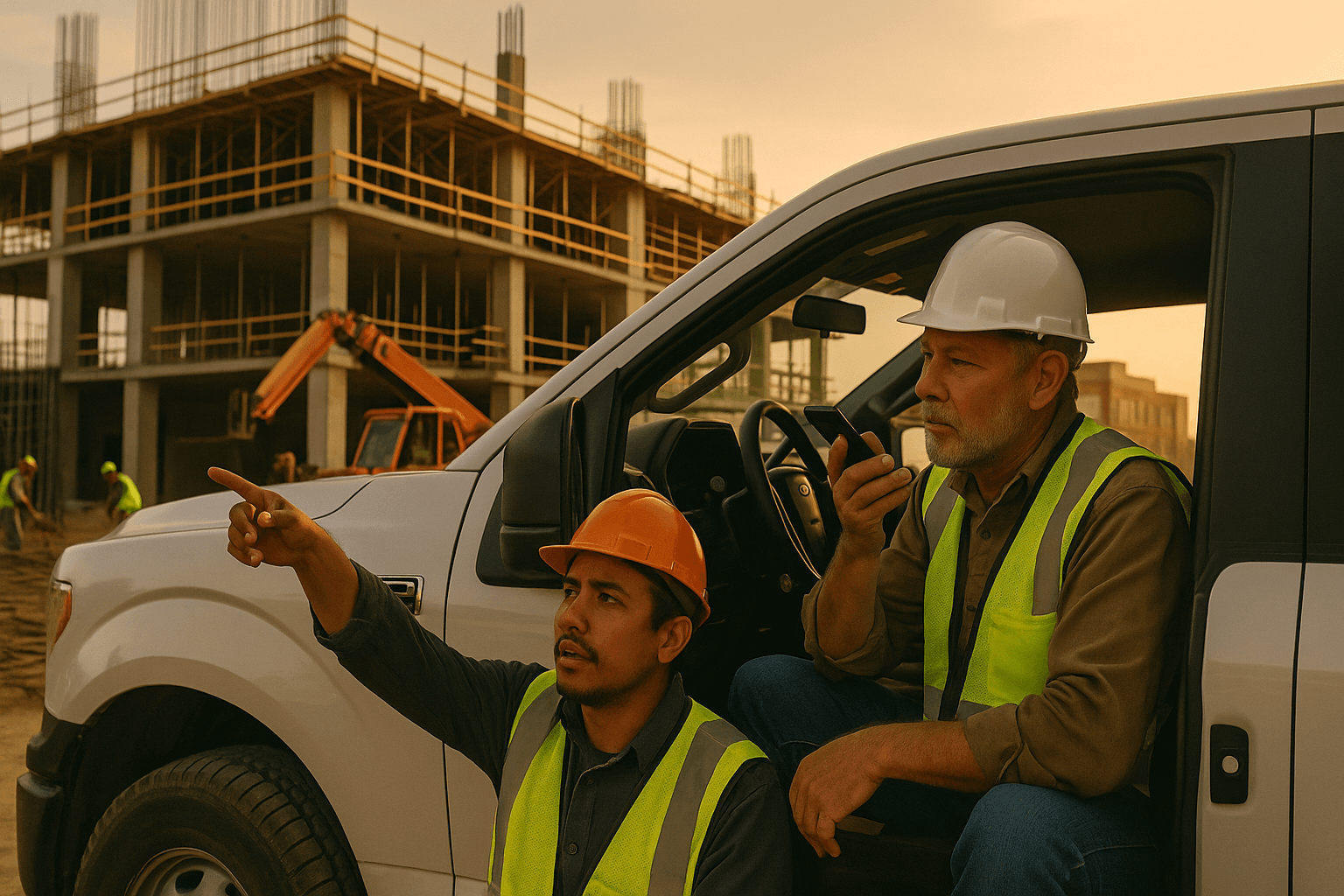
You already know the worst part of your day isn’t the concrete pour, the crane pick, or the city inspector. It’s sitting in your truck at 7:30 p.m. typing a daily report on your phone, trying to remember what happened at 10:15 a.m. A good construction daily report app should cut that pain by 80% or more—not just move it from paper to a smaller screen.
Table of Contents
- Why Daily Report Apps Matter More Than Ever on Modern Jobsites
- What Superintendents Actually Need From a Construction Daily Report App
- Voice-First vs. Typing: Two Very Different Ways to Do Daily Reports
- Evaluating Daily Report Apps: Checklist for Supers and PMs
- Real-World Example: Turning a 45-Minute Report into a 3-Minute Voice Note
- How ProStroyka Compares to Other Construction Daily Report Apps
- Getting Started: Simple Rollout Plan for Your Crews
- Next Step: Try a Voice-First Daily Report App on Your Next Shift
- FAQ
Why Daily Report Apps Matter More Than Ever on Modern Jobsites
A construction daily report app isn’t just a convenience item anymore. With tight schedules, stacked trades, and GCs getting hammered on documentation in disputes, your daily is often the only clear record of what really happened on site.
On a hospital project, for example, a well-documented delay due to owner changes can mean recovering weeks of schedule and serious money. On a tilt-up warehouse, your daily can be the difference between getting paid for weather delays or eating the cost.
That level of pressure means your daily reports can’t be half-done, missing photos, or scattered across text messages and notebooks.
The hidden cost of 45-minute daily reports
Most supers and foremen quietly spend 30–60 minutes every day on reports. That’s:
- 45 minutes x 5 days = 3.75 hours/week
- Roughly 150–180 hours per year per superintendent
Two examples you probably recognize:
- You finish a 10-hour day on a concrete-heavy site, sit in your truck, and peck out notes in a mobile app. By the time you’re done, you’ve forgotten the exact timing of a truck delay or what the inspector actually said.
- You try to “save time” by doing it at home. Now your hours run long, you’re tired, and you cut corners—less detail, fewer photos, just enough to get it submitted.
That lost time means more burnout, more missed details, and less bandwidth to actually manage the work.
How paper, Excel, and text threads create risk and rework
Traditional daily construction report software often just copies old habits into a digital form. The real problem is the workflow:
- Notes in a paper notebook
- Photos in three different phones
- Headcounts and quantities in an Excel sheet
- Issues discussed over text threads or WhatsApp
Two real-world risks:
- A T&M change for extra excavation work isn’t fully documented—no photo of the underground obstruction, no clear crew counts—so accounting only pays part of the ticket months later.
- Weather delays on a roofing job aren’t logged daily. When the owner pushes back on schedule extension, you’re scrambling through emails, spreadsheets, and cloud drives.
A field reporting app should pull all of that into one clean, searchable record for each day, without adding more work for you.
What Superintendents Actually Need From a Construction Daily Report App
The “best” construction reporting tools aren’t the ones with the most menus. They’re the ones that help you finish an accurate daily in a few minutes, in the truck, while it’s still fresh.
Let’s separate what you actually need from what just looks good in a demo.
Must-have features vs. nice-to-haves
Must-have for a daily report app:
- Crews: headcounts by trade or company
- Quantities: what actually got installed or poured
- Weather: auto-captured or quick entry
- Photos: fast capture, automatically tied to that day
- Issues & delays: written (or spoken) narrative
- Safety: incidents, near-misses, toolbox talks
- Works reliably offline
Nice-to-haves:
- Fancy dashboards your PM might check once a week
- Deep scheduling integrations you never actually touch
- Custom forms for every imaginable situation you’ll use twice a year
If the app can’t give you a clean daily PDF with crews, quantities, weather, photos, and narrative in under 5 minutes, it fails the field test.
Offline mode, photos, crews, quantities, and safety in one place
On many jobs, you don’t have stable signal—especially:
- Below-grade parking structures
- Rural infrastructure or solar projects
- Concrete cores in high-rises
If your digital daily reports (construction) tool needs constant internet, you’ll end up back to paper notes and “I’ll enter it later.” That’s when details get fuzzy.
A solid app should let you:
- Capture photos all day, offline
- Mark crew counts and key quantities as you walk
- Log safety items (JHAs, near-misses) on the spot
- Sync automatically when you hit service again
Example: On a bridge rehab with spotty coverage, you dictate two quick voice notes after morning and afternoon walks. The app stores them offline, then pushes the finished PDF to the office once you’re back in range.
Spanish and bilingual crews: capturing what really happened
On most modern jobsites, a big piece of the work is done by Spanish-speaking or bilingual crews. If your construction superintendent app only works in English text, you’re missing the most accurate source of info: the people with the tools in their hands.
Two scenarios where voice to text construction reports shine:
- Your foreman hands the phone to a Spanish-speaking crew lead who explains, in Spanish, why production slowed on level 3—broken lift, late delivery, limited access. The app records and structures it in the report.
- You walk with your bilingual foreman. He summarizes each trade’s progress in Spanish, you add a few English notes, and the app turns that into one clean PDF that anyone in the office can read.
Apps like ProStroyka are built with Spanish support and bilingual workflows in mind, so field crews can speak naturally and still produce professional reports.
Voice-First vs. Typing: Two Very Different Ways to Do Daily Reports
Most daily construction report software is still built around typing. It works in a demo, but it doesn’t match how your day actually goes.
A voice-first construction daily report app flips that—your job is to talk; the app’s job is to type and organize.
Why typing on a phone at 7 p.m. doesn’t work in the real world
Typing-based mobile apps assume you have quiet time, two free thumbs, and perfect memory of the day. That’s not real life.
Two common failure points:
- You’re driving home when you remember a safety near-miss. You tell yourself you’ll add it later. It never makes the report.
- You try to type a full explanation of a delay on your phone. After three autocorrect mistakes and a phone call interruption, you shorten it to one vague sentence.
Voice-first flips the script:
- You’re walking off site: you hit record and talk for 2–3 minutes.
- You’re in the truck: you dictate what changed, who was onsite, what went wrong.
That 3-minute voice note replaces 30–45 minutes of typing.
How voice-to-PDF reporting works step by step
With a tool like ProStroyka (a voice-to-PDF field reporting app), the workflow looks like this:
- Open the app on your phone (works offline).
- Hit record and walk through your day out loud: crews, quantities, issues, weather, safety, delays.
- Optionally snap a few photos while you talk.
- Stop recording. The app’s AI converts your voice into structured text.
- It automatically organizes the report into sections: manpower, work performed, safety, delays, notes, photos.
- You review quickly on your phone and hit Export.
- A clean, professional PDF daily report goes to your PM, office, or storage system.
From voice note to finished PDF: about 3 minutes of your time.
Accuracy, structure, and dealing with background noise
You don’t need studio-level quiet on a jobsite. Modern voice tools are built to handle realistic background noise:
- Concrete pump in the distance
- Fans and lifts running
- Crew talking nearby
You just speak at a normal volume and pace. Apps like ProStroyka focus on:
- Recognizing construction terms (rebar, PT cables, embeds)
- Keeping your structure consistent day to day
- Separating key items (crews, quantities, delays) into the right sections
You still have final review. You can correct anything that’s off before the PDF goes out, but the heavy lifting is done for you.
Evaluating Daily Report Apps: Checklist for Supers and PMs
When you’re comparing construction reporting tools, ignore the buzzwords and focus on what cuts real time from your evening.
Here’s a simple checklist you can copy, print, or run through with any vendor.
Questions to ask vendors before you sign up
Ask these directly:
- How long does it take a superintendent to complete a typical daily report in your app?
- Can I create a full report using only my voice?
- Does it work fully offline and sync later?
- How do crews, quantities, and safety items get captured?
- Is there Spanish support or a way for bilingual crews to dictate notes?
- Can your app generate a PDF that I can email or store anywhere, not just inside your system?
- How long does it take to train a foreman to use it?
If they can’t show you a real daily from voice in under 5 minutes, it’s probably not built for the field.
Pricing models and avoiding enterprise bloat
You’ll see a few pricing styles in this space:
- Enterprise platforms (like Procore): great if your company already uses them, but heavy and usually managed by office staff.
- Per-user jobsite tools (like Raken): powerful for larger teams, but often $100+/user/month.
- Lean, field-focused apps (like ProStroyka): typically priced to work for small and mid-size GCs and specialty subs.
ProStroyka, for example, is $49/month early bird (later $99), with a voice-first workflow. The key is making sure you’re not paying for a bunch of modules you’ll never touch.
Data ownership, exports, and PDF formats
Your daily reports are your protection. Make sure you control them.
Look for:
- PDF export that looks professional enough to hand to an owner or lawyer
- Ability to email or upload reports outside the app
- Easy export if you ever switch tools
Ask:
- “If we stop using your app, how do we get all our past dailies out?”
- “Are the PDFs standard and readable without your system?”
Real-World Example: Turning a 45-Minute Report into a 3-Minute Voice Note
Let’s put this into a typical day.
A day in the life of a superintendent using a voice-first app
You’re running a 5-story multifamily job:
- 7:00 a.m.: Walk with the concrete and framing foremen. You open your construction daily report app and quickly log crew counts and a note: “Level 3 slab prep continues, 12 carpenters, 6 laborers, 5 concrete finishers.”
- 10:30 a.m.: Pump truck late 90 minutes. You snap photos of trucks staged and dictate a 30-second note about the impact.
- 1:00 p.m.: Safety walk. You record a quick voice note on a near-miss and a reminder that harness checks are tightened up.
- 3:30 p.m.: Materials short. Your bilingual foreman records in Spanish why the framing crew couldn’t hit planned production.
At 4:15 p.m., sitting in your truck, you hit “Generate Report” in ProStroyka. By 4:18, you’ve reviewed and sent a clean PDF daily.
Before vs. after: time savings and fewer missed details
Before (typing-based or paper):
- 30–60 minutes every evening
- Relying on memory for exact crew counts and issues
- Photos not always tied to the correct day or report
After (voice-first with ProStroyka):
- About 3 minutes of active work per report
- Notes captured in real-time or right after events
- Photos and narrative automatically organized into one PDF
Over a month, that’s easily 10–15 hours saved for one superintendent—and better documentation when something goes sideways.
How ProStroyka Compares to Other Construction Daily Report Apps
You’ve probably heard of Raken, Procore, and Buildertrend. They all have their place. The question is what matches your job and crew.
Raken, Procore, Buildertrend: who they’re built for
Here’s a high-level comparison:
| Tool | Best For | Main Style |
|---|---|---|
| Procore | Large enterprises with full PM teams | Enterprise platform |
| Raken | Mid-to-large GCs focused on dailies | Typing + structured UI |
| Buildertrend | Residential builders, client-facing tools | PM + client portal |
| ProStroyka | Supers/foremen needing fast voice dailies | Voice-first, PDF focus |
If your office is already deep into Procore, you might keep dailies there but still want a faster way to capture the field story. If you’re a smaller GC or specialty sub, an enterprise platform can feel like overkill.
ProStroyka’s focus on voice, offline, and field crews
ProStroyka is built around three things:
- True voice-first workflow: You talk; it creates the PDF.
- Offline mode: Works on remote or concrete-heavy sites with bad signal.
- Spanish support: So bilingual crews can describe work accurately.
Key advantages for supers and foremen:
- Daily reports in about 3 minutes instead of 30–45
- Automatic structuring into professional PDFs
- Pricing that works for smaller GCs and specialty subs (starting at $49/month early bird)
It’s not trying to replace your whole project management stack. It focuses on one job: fast, accurate daily reports.
Getting Started: Simple Rollout Plan for Your Crews
You don’t need a 3-month rollout plan or a training consultant. You can prove out a voice-first workflow in a week.
Pilot on one project in one week
Here’s a no-drama rollout:
- Day 1–2: Pick one active project and one or two supers/foremen.
- Day 3–4: Have them use ProStroyka for all dailies for a few days.
- Day 5: Compare:
- Time spent per daily (old way vs. voice-first)
- Detail level (issues, delays, safety notes)
- Photo organization and PDF quality
If you’ve cut daily report time by ~80% and captured more detail, you know it’s worth rolling out further.
Training foremen and bilingual crews in under 30 minutes
Because the workflow is just “hit record and talk,” training is straightforward:
- 10 minutes: Show how to start a daily, record, and attach photos
- 10 minutes: Let each foreman or crew lead try a sample daily
- 10 minutes: Walk through a real PDF report so they see the result
For Spanish-speaking crews, you simply explain: “Habla normal, describe lo que pasó, y la app lo convierte en el reporte.” They talk in the language they’re comfortable with; the office gets a clear, readable document.
Next Step: Try a Voice-First Daily Report App on Your Next Shift
You don’t need another year of 45-minute dailies eating your evenings. A modern construction daily report app should match how you actually work: on your feet, in noisy areas, with bilingual crews, and often offline.
ProStroyka turns a 3-minute voice note into a complete, professional PDF daily report—crews, quantities, weather, safety, delays, and photos included—so you can spend your time running the job, not typing about it.
FAQ
Q: Will a voice-first app really work on a noisy jobsite?
A: Yes. Tools like ProStroyka are designed for real jobsite noise. As long as you speak at a normal volume and keep the phone reasonably close, the app can pick out your voice and structure your notes. You can always review and tweak before sending the PDF.
Q: What if my company already uses Procore or another PM platform?
A: That’s common. Many teams use Procore for contracts, RFIs, and submittals but still want a faster way to capture field dailies. You can use ProStroyka to generate clean PDF daily reports and upload or email them into your existing system.
Q: How do bilingual or Spanish-only crews use ProStroyka?
A: They simply talk. ProStroyka supports Spanish input, so a crew lead can describe work progress, problems, or safety issues in Spanish. The app turns that into structured text inside the daily report, so the office gets a clear, organized record.
Q: What happens if I lose signal halfway through the day?
A: ProStroyka works offline. You can record voice notes and attach photos even with zero service. When your phone gets signal again, the app syncs and generates your PDF without you having to redo anything.
Q: How long is the learning curve for my foremen?
A: Most supers and foremen are comfortable after one or two dailies. Because it’s voice-first, there’s not much to learn—open app, hit record, talk through your day, review, and send the PDF.
Ready to cut your daily report time from 45 minutes to 3? ProStroyka turns your voice notes into professional PDF reports automatically, with offline mode and Spanish support built in. Try ProStroyka free and turn tomorrow’s daily report into a 3-minute voice note instead of a 45-minute typing session.