Construction Daily Report Apps: How to Choose the Right One for Your Jobsite
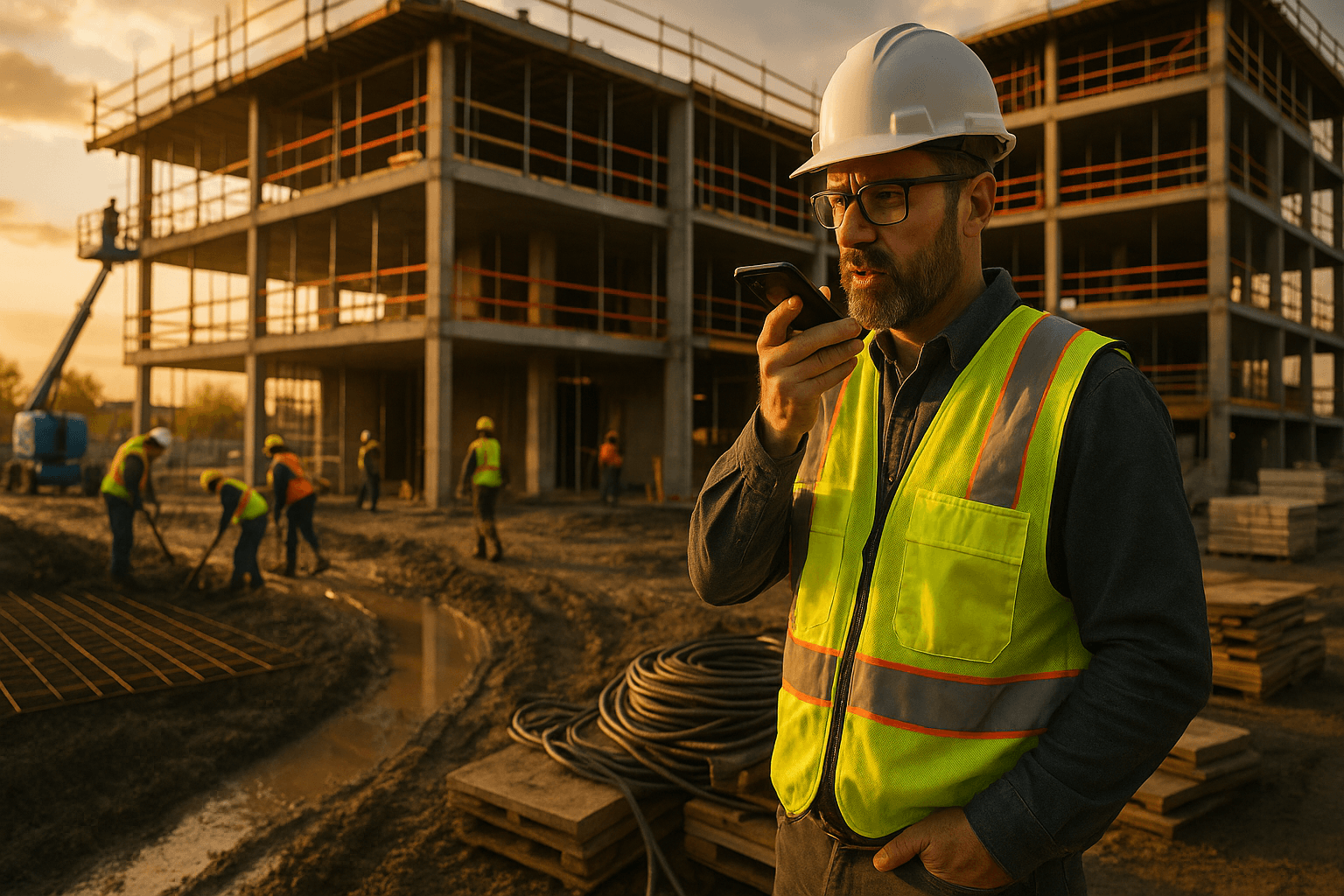
You already know your construction daily report app isn’t really “free” if it costs you 45 minutes at the end of every shift. That’s time you’re not walking the site, not talking to crews, and not going home. The real question isn’t which software has more features—it’s how many minutes it takes you to produce a defensible, sharable daily report on a real jobsite.
This guide breaks down how to choose a tool that fits the field, not just the office, and gives you a 7-day on-site evaluation plan you can run on your current project.
Table of Contents
- Why Daily Report Apps Matter More Than Ever
- What Superintendents Actually Need From a Daily Report App
- Voice-First vs Form-First Daily Report Apps
- Key Features to Compare in Construction Daily Report Apps
- Comparing Popular Construction Daily Report Apps
- How to Evaluate a Daily Report App in One Week on a Live Job
- Where ProStroyka Fits In the Daily Report App Landscape
- Next Steps: Test a Daily Report App on Your Current Project
- FAQ
Why Daily Report Apps Matter More Than Ever
The real cost of manual and spreadsheet-based daily reports
If you’re still doing dailies on paper, in Excel, or in long emails, you’re paying for it in time and accuracy.
Typical pattern:
- You scribble notes during the day (if you remember).
- At 6–7 PM, you sit in your truck or at home and type it all up.
For most supers, that’s 30–60 minutes a day—easily 3–5 hours a week. On a 6‑month job, that’s 70–120 hours just on reports.
Example 1: You’re running a tilt-up warehouse. You walk from one end of the slab to the other logging crews, equipment, deliveries—then spend 45 minutes in your truck trying to remember which concrete truck showed up late.
Example 2: On a multifamily project, you bounce between three floors all day. By the time you sit down at night, details about which unit had rework or which sub was short-staffed get fuzzy.
How bad reporting exposes you to disputes and delays
Owners and GCs are getting more aggressive about documentation. Vague or missing daily reports can cost you real money.
Common pain points:
- T&M work without clear headcounts and hours per crew
- Weather delays that aren’t documented with photos and notes
- Disputes over “who was in whose way” on shared work areas
Example 1: A rain day gets called at 10:30 AM. You meant to write down when crews stood down, but your report just says “Rain – limited work.” Two months later, the owner questions the delay days—you’ve got nothing detailed to point to.
Example 2: Steel erector claims they were blocked by another trade. Your handwritten daily doesn’t mention staging conflicts. Their detailed daily does. Guess whose version looks more credible.
A good daily construction report software solution makes it easy to capture:
- Exact crew sizes by trade
- Equipment on site and in use
- Delays, disruptions, and safety issues
- Photos tied to specific notes and dates
What Superintendents Actually Need From a Daily Report App
Must-have features for field teams (not office people)
A lot of tools are built for the office. You need a field reporting app for superintendents that fits how you actually work.
Must-haves for the field:
- Phone-first workflow (you’re not carrying a laptop through mud)
- Fast input: voice, quick taps, not tiny text fields
- Photos in-line with the relevant note or area
- Simple crew + hours capture without hunting through menus
Example 1: You’re at the laydown yard doing a walkthrough. You should be able to snap a few photos, dictate “Framing crew 1, eight guys, level 3 corridor, 7:00–3:30,” and move on—without stopping for 10 screens.
Example 2: A safety near-miss happens. You should be able to pull out your phone, hit record, talk through what happened, and have it show up clearly labeled in your daily.
Time-to-complete: the most underrated metric
Forget feature checklists. The real question is: how long does it take from opening the app to sending a finished daily report PDF?
Use this simple benchmark:
- Old way (typed): 30–45 minutes per daily is common.
- Form-heavy apps: often still 20–30 minutes once the initial novelty wears off.
- Voice-first apps with solid AI: around 3–5 minutes for the same content.
Your goal: a construction daily report app that lets you hit this pattern:
- Walk the site taking quick voice notes
- Attach photos as you go
- Hit “Generate Report” and send a clean PDF to PM/owner
If your test drive doesn’t cut you under 10 minutes per daily within a week, it’s probably not the right fit.
Offline, photos, and Spanish support on real jobsites
Most jobsites aren’t tidy office environments. You’ve got:
- Dead zones in the basement or stair cores
- Mud, dust, gloves, loud equipment
- Crews where half or more are Spanish-speaking
Your construction daily log app should handle:
- Offline mode: You can record notes and photos with no signal; they sync later.
- Photo handling: Multiple photos per note, not one giant dump at the end.
- Spanish support: So you can capture what your Spanish-speaking foreman is actually saying, without playing translator.
Example 1: You’re in a concrete parking garage, no cell signal. You record a 2-minute voice note about a forming issue and snap photos. When you hit street level, the app syncs and builds it into the daily.
Example 2: Your drywall foreman explains an issue in Spanish. You (or they) record it directly in Spanish, and the app structures it into a professional English report section.
Voice-First vs Form-First Daily Report Apps
How form-based apps still feel like paperwork on your phone
Most “best construction reporting app” pitches still rely on forms:
- Dozens of fields
- Drop-downs for every trade, area, and weather condition
- Tiny text boxes on a small screen
On day 1, it feels organized. By week 3:
- You’re skipping fields “to do later” (you don’t)
- You’re backfilling at night from memory
- Or you quietly stop using half the features
Example: You open your app at 5:15 PM and stare at 12 sections—labor, equipment, visitors, safety, delays, notes. You’re tired, so you punch in just the basics. The report looks thin, and it’s not much better than your old Excel.
That’s still paperwork—just on a smaller screen.
When voice-to-text + AI actually saves you time
A voice-first daily construction report software flips the workflow:
- You talk the way you already walk the job.
- The app turns that into structured, typed sections.
For this to work in your favor, it must:
- Handle natural speech (not just short commands)
- Auto-organize by crews, areas, issues, weather, etc.
- Produce a clean PDF that doesn’t look like a raw transcript
Example 1: End of day, you walk from the gate to the tower crane and record a 3‑minute rundown: who was on site, what got done, what slipped, what’s in the way tomorrow. The app outputs a PDF with headers like Labor, Progress, Issues, Safety, Weather.
Example 2: Mid-day, you see a conflict between electrician and framer. You record a 45-second note with photos. That shows up under “Coordination Issues” in your daily—no extra typing.
Key Features to Compare in Construction Daily Report Apps
Setup and learning curve
On a live job, you don’t have weeks to train people.
Look for:
- Account setup in under 30 minutes
- New user can do a full daily with no formal training
- Clear prompts that match how supers think (crews, areas, issues)
Quick test: Hand your phone to a foreman and say, “Log your crew for today.” If they can’t figure it out in 3 minutes without help, the learning curve is too steep.
How reports are structured and exported (PDFs, email, owners)
Your construction daily report app is only as good as the report it spits out.
Check:
- Are PDFs clean and professional, or just screenshots?
- Can you email a PDF to the owner, GC, and PM in one tap?
- Can internal PMs get reports automatically each day?
Common workflows:
- Email a PDF nightly to the GC’s designated address
- Upload the same PDF to a shared drive or project portal
- Forward internally to PM, safety, and accounting
Example: You finish your daily at 4:45 PM, hit “Share,” select “PM, Owner Rep, GC PE,” and they all get the exact same PDF—no exporting, printing, or scanning.
Mobile usability in the field (gloves, noise, spotty signal)
Your field reporting app for superintendents has to work in bad conditions:
- Big buttons you can hit with dirty hands
- Voice input that works in noisy environments
- Offline capture with delayed sync
Example 1: You’re wearing gloves on a cold slab. You should be able to tap one big button to start a recording, not hunt through tiny menus.
Example 2: A skid steer is running nearby. You hold the phone a bit closer and talk. The app still picks you up cleanly enough to build a structured report.
Pricing models: per-user vs per-project vs flat fee
Here’s where apps diverge fast:
| Type | Typical Pattern | Impact on You |
|---|---|---|
| Per-user (e.g., many apps) | $20–$40/user/month, some higher (Raken $100+/user in many cases with add-ons) | Expensive for multiple foremen & rotating crews |
| Per-project | Flat fee per job, sometimes capped at users | Good if you have a fixed team per project |
| Flat account fee | One price, unlimited users or generous caps | Predictable, easier to roll out to all foremen |
When comparing a Raken alternative or Procore daily logs alternative, run the real math:
- 4 foremen + 1 super on per-user pricing can easily hit $500+/month
- A flat-fee tool like ProStroyka at $49/month early bird ($99 regular) covers the whole team
Comparing Popular Construction Daily Report Apps
Raken: strengths, gaps, and who it’s really for
Raken is a well-known construction daily log app with:
- Polished PDFs
- Strong photo and signature capture
- Good fit for larger subcontractors and GCs
Where it can be challenging:
- Primarily form-first; still feels like structured paperwork
- Per-user pricing can get expensive if you’ve got multiple foremen
It’s solid if you want a well-known brand and don’t mind forms. If shaving your daily down to 3–5 minutes is the priority, you’ll want to compare it against a voice-first option on a live job.
Procore Daily Logs: when it makes sense and when it’s overkill
Procore’s daily logs are part of a full enterprise project management suite.
Makes sense when:
- The GC or owner already runs Procore on the job
- You need tight integration with RFIs, submittals, and financials
Potential drawbacks:
- Daily logs are one module inside a big platform
- Training and setup can be heavy for smaller crews
- Pricing is typically enterprise-level, not optimized just for dailies
If all you really need is a construction daily report app, Procore can feel like using a tower crane to hang a single door.
General project management platforms (Buildertrend, etc.)
Tools like Buildertrend and similar platforms mix scheduling, client comms, and financials with basic daily logs.
Good for:
- Residential and light commercial builders who want an all-in-one system
- Owner communication and change orders
Limitations for dailies:
- Daily logs are often not the core focus
- Interfaces can be geared more toward office staff and clients than field supers
If you’re mainly trying to fix dailies, a big platform may give you more than you need—and still leave you spending 20–30 minutes per report.
Where lightweight, purpose-built tools fit in
Lightweight tools focused purely on daily reports (like ProStroyka) sit in a different category:
- Faster to learn and deploy on an active job
- Cheaper if you don’t need full PM features
- Designed to optimize time-to-complete, not everything else
If you already have a project management platform but hate its daily logs, adding a dedicated daily reporting tool can be a simple fix.
How to Evaluate a Daily Report App in One Week on a Live Job
7-Day Trial Plan for Superintendents
Use this 7-day evaluation plan on your current project.
Day 1–2: Setup and first dailies
- Create your project and add at least 2–3 foremen.
- Time yourself: from app open to “daily sent.” Write down the minutes.
- Check the PDF: is it something you’d send to an owner today?
Day 3–4: Real field use
- Walk your normal route and use only the app (no backup notebook).
- Capture: labor, progress, delays, safety, and at least 5 photos/day.
- Work offline at least once (stair core, basement, far end of site). See if everything syncs correctly later.
Day 5: Spanish and noisy conditions
- Have a Spanish-speaking foreman record a note in Spanish.
- Record at least one note near active equipment.
- Check how those show up in the final daily.
Day 6–7: Team feedback and owner/PM share
- Email 2–3 real PDFs to your PM and owner rep.
- Ask them if the report is clear and complete.
- Ask foremen how many minutes they needed to log their crews.
If you’re not consistently under 10 minutes for a full daily by Day 7, consider another construction daily report app.
What to ask your foremen and PM after testing
For foremen:
- “How many minutes did it really take you?”
- “Did you skip anything because it was annoying?”
- “Would you keep using this if I wasn’t watching?”
For PMs:
- “Can you defend a delay or T&M with this report?”
- “Are photos and notes clear enough for change orders?”
- “Would you trust this over our current Excel/emails?”
The right answer isn’t “it has a lot of features.” It’s “it saves us time and gives us better backup.”
Where ProStroyka Fits In the Daily Report App Landscape
Voice-first workflow: from 3-minute recording to ready PDF
ProStroyka is built as a voice-first construction daily report app. The core workflow is simple:
- You hit record and talk through your day for 3 minutes.
- You snap photos as needed.
- ProStroyka’s AI structures everything into a clean PDF.
Typical result: What used to be a 30–45 minute typed daily becomes a 3-minute voice note plus a quick review.
You still get clear sections:
- Labor and crews
- Work completed by area
- Issues, delays, and safety notes
- Weather and conditions
But you never had to fight a long form to get there.
Spanish, offline mode, and multi-crew sites
ProStroyka is designed around real US jobsites:
- Spanish support: record in Spanish or English; the system still structures the report.
- Offline mode: record voice and photos with zero signal; sync later when you’re back in range.
- Multi-crew sites: quick ways to log multiple trades and crews without hunting through deep menus.
Example: On a mixed-use project, your concrete foreman speaks mostly Spanish. He records a note about rebar congestion in Spanish with photos. You get a structured entry in your daily you can send straight to the GC.
Cost comparison vs Raken, Procore, and Buildertrend
ProStroyka is not trying to replace full project management platforms. It’s a focused, affordable tool for daily reports.
Typical ranges:
- Raken: Often $100+/user/month with add-ons for companies with multiple users
- Procore: Enterprise pricing; usually part of a much larger contract
- Buildertrend and similar: Monthly packages that can easily run hundreds per month for broader features
- ProStroyka: $49/month early bird, $99/month regular for daily reporting, designed to cover your whole field team
If your main headache is daily reports, not full PM, that price difference adds up fast—especially with multiple foremen and rotating crews.
Next Steps: Test a Daily Report App on Your Current Project
How to roll it out without disrupting the crew
You don’t need a big rollout plan. Try this:
- Pick one active project and one week.
- Choose 2–3 foremen who are comfortable with their phones.
- Tell them: “We’re testing something to cut paperwork time. Use this for dailies for the next week.”
Keep your old method in the background for a few days if it makes you comfortable, but commit to actually using the new app in the field—photos, voice notes, everything.
At the end of the week, compare:
- Minutes spent per daily (old vs new)
- Quality of PDFs (would you send them to an owner?)
- How many important details were captured that would’ve been forgotten before
Free trial checklist and what a "good" daily report should look like
Use this quick checklist for any construction daily report app trial.
App checklist:
- I can complete a full daily in under 10 minutes by Day 3
- Voice input works well in real site noise
- Offline mode actually works in dead zones
- Spanish notes are captured and structured usefully
- Photos appear next to the right notes in the PDF
- I can email a PDF to PM and owner in one or two taps
A “good” daily report should:
- Clearly list crews, headcounts, and hours
- Show what got done, where, and by whom
- Document delays, disruptions, and safety issues with notes + photos
- Be professional enough to forward directly to an owner or GC
If your current process can’t hit that standard without eating your evenings, it’s time to try something built for the field.
Ready to cut your daily report time from 45 minutes to 3? ProStroyka turns your voice notes into professional PDF reports automatically. Test ProStroyka on your current job: record your next daily report as a 3-minute voice note and get a finished PDF in minutes. Start your free trial — no credit card required.