Spanish Construction Daily Report App: Bilingual Reporting Without Extra Paperwork
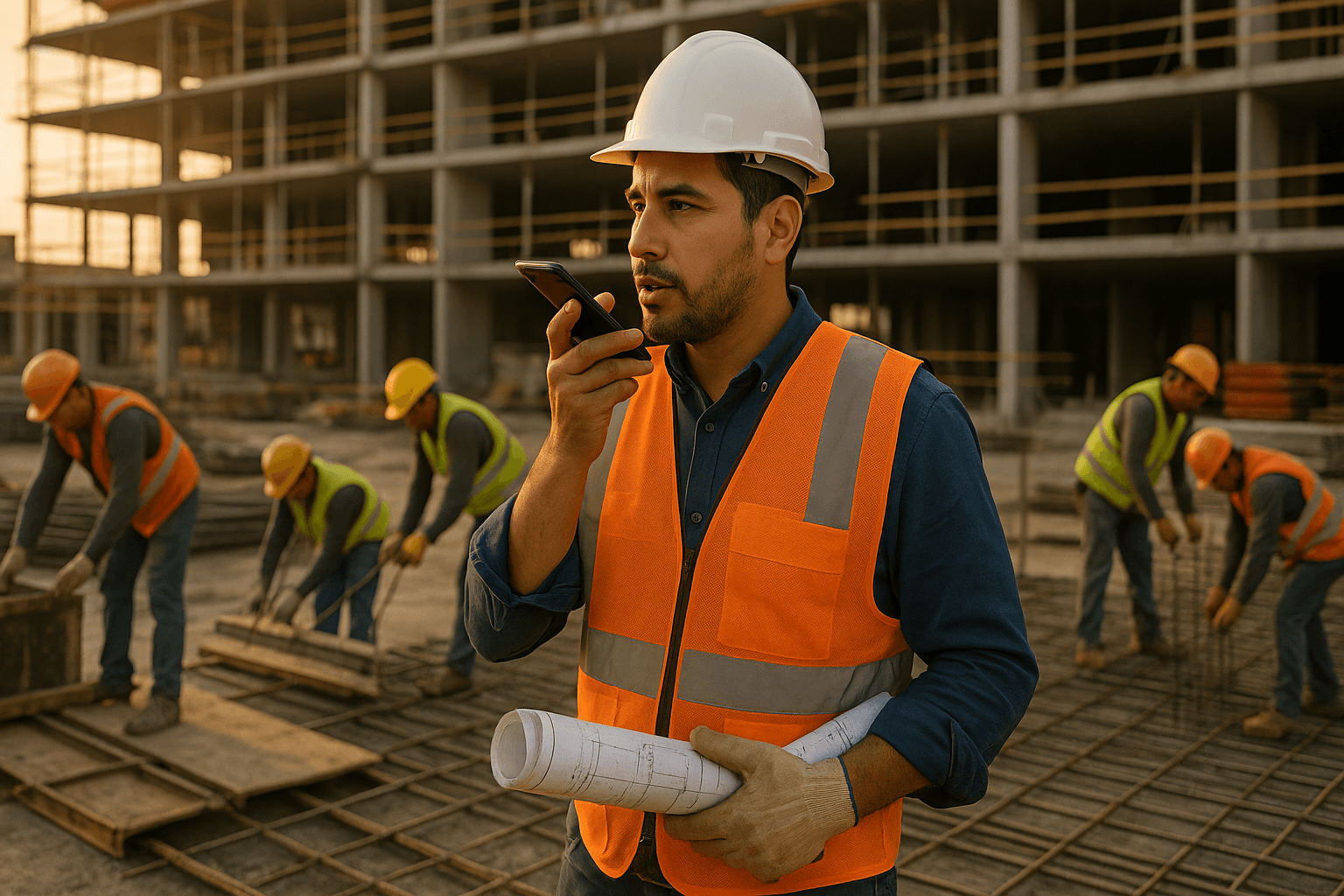
Every night, the same fight: your crew speaks Spanish, your GC wants clean English daily reports, and you’re stuck translating scribbled notes at 8:30 p.m. A Spanish construction daily report app should fix that—but most tools are English-only or make bilingual supers do double the work.
Table of Contents
- Why Spanish Support Matters for Construction Daily Reports
- Common Workarounds Bilingual Supers Use (and Why They Fail)
- What to Look For in a Spanish Construction Daily Report App
- How a Voice-First, Spanish-Friendly App Changes Your Day
- Example: A Bilingual Superintendent’s Daily Report Workflow
- Evaluating Spanish Daily Report Apps: Key Questions to Ask Vendors
- Where ProStroyka Fits: Voice-First, Bilingual Daily Reports
- Getting Started: Try Bilingual Voice Daily Reports on Your Next Shift
- FAQ
Why Spanish Support Matters for Construction Daily Reports
The reality on site: most of the crew speaks Spanish
On a lot of US jobsites, the language of the work is Spanish, even if the contracts and emails are in English. Your carpenters, concrete guys, drywall crew—many feel more comfortable explaining problems and progress in Spanish.
Two real situations:
- You’re walking with your formwork crew lead. He explains a rebar issue perfectly in Spanish, but when you sit to write your daily, all you type is: “Delay on rebar, crew fixing.”
- Electricians tell you in Spanish that rough-in on level 3 is done except for two units waiting on an RFI. You summarize in English as “Electrical rough-in mostly complete.” That “mostly” can bite you later.
If your Spanish daily report construction process can’t capture what people actually say, you’re guessing.
Where daily reporting breaks down for Spanish speakers
The breakdown isn’t that your crew can’t do the work. It’s that your tools only really work in English.
Common gaps:
- Crews give you detailed Spanish explanations on trabes, cimbra (formwork), varilla (rebar), or instalaciones (MEP rough-in).
- You note a few words in English on a pad or inside a generic notes app.
- At the end of the day, you try to rebuild the story in English for the GC or owner.
Example:
- Plumber says: “Terminamos el rough-in en todos los baños excepto los del stack 4 porque falta el sleeve en la losa.”
- Your report ends up with: “Plumbing rough-in in progress, waiting on sleeves.”
The nuance—what’s done, what’s blocked, where, and why—is gone.
Lost details, weak documentation, and rework
When those details disappear, you feel it later:
- Disputes: GC claims you delayed pour because you were “unprepared.” Your Spanish crew told you two days earlier that missing embeds were the issue—but you never captured that clearly.
- Change orders: Crew explains in Spanish they spent 6 hours on additional formwork for redesigned beams. Your report just says “extra work at beams,” and the owner pushes back.
Over a month, missing details in bilingual construction daily reports can mean:
- Rework that no one gets fairly paid for
- Safety incidents that are hard to reconstruct
- GC or owner assuming you’re disorganized, when really the info just never made it from Spanish voice to a clear daily.
Common Workarounds Bilingual Supers Use (and Why They Fail)
Translating notes at night or back in the trailer
Most bilingual supers you talk to already have a workaround: translate everything yourself at the end of the day.
You know the drill:
- All day: listen to the crew in Spanish, jot quick Spanglish notes.
- 6:00–7:00 p.m.: sit down, open laptop, translate Spanish memories into English paragraphs.
Problems:
- You’re tired; you forget exact times, manpower counts, or small but important comments.
- You round numbers: 7 guys becomes “about 6,” 3.5 hours becomes “half day.”
Example: You remember “Concrete crew fixing honeycombs on grid C4–C6, took half the day.” But the actual Spanish conversation pointed to additional edge formwork issues and one worker reassigned to patching—info that would help you defend a cost later.
Having a "designated translator" on the crew
Another workaround: lean on one bilingual worker as the translator.
- Your lead framer translates to English when the inspector shows up.
- Same person explains issues to you so you can write them in English.
This sounds okay, but:
- That person still has a real job—layout, overseeing cuts, checking anchors.
- They filter what they think is important, not always what really matters for documentation.
Two ways this burns you:
- Your translator summarizes: “We had a small problem with rebar but fixed it.” The reality: wrong bar size in four beams, 3 hours of rework, and a partial delay on pour.
- During a safety near-miss, they downplay what happened in English, so the daily makes it look minor.
Mixing English and Spanish in paper logs or text chains
Some supers just write what they hear: half Spanish, half English, arrows everywhere.
- Paper daily: “Varilla crew – 7 guys – corrigiendo detalles colados mal en muros E–F – 9am–1pm.”
- Text chain with PM: “Rough-in listo menos 2 aptos stack B por sleeves en piso.”
This works for you today, but:
- Office staff, GC, or owner can’t reliably read or search it.
- In a dispute six months later, no one wants to decipher Spanglish handwriting.
A proper construction daily report app Spanish users can trust should eliminate the need for this kind of patchwork.
What to Look For in a Spanish Construction Daily Report App
True Spanish voice-to-text vs. clunky manual typing
Typing in Spanish on a phone in the field is slow. Gloves on, sun in your face, dust everywhere. You’re not writing essays on a tiny keyboard.
You want voice to text Spanish construction that actually understands:
- “Colocamos 5,000 pies de rebar #4 en losas niveles 2 y 3.”
- “Terminamos el rough-in eléctrico en pasillos, falta sólo el cuarto eléctrico principal.”
- “Cimbra para losa del tercer piso al 80%, esperando inspección mañana.”
Generic dictation tools struggle with this:
- “rebar” becomes “river”
- “cimbra” becomes “siembra”
- “rough-in” becomes “Robin”
A real Spanish construction daily report app should be tuned for construction terms and patterns so you get significantly better accuracy, even if it’s not perfect.
Bilingual interface and easy language switching
On many projects, you need to work in both languages:
- Talk to your crew in Spanish
- Send reports to GC and owner in English
Your app should let you:
- Dictate notes in Spanish
- Add or edit some comments in English
- Switch language on the fly without digging through settings
Example flows:
- You walk the site dictating progress in Spanish, then add one short English section: “Note to owner: Unit 1205 cabinets delayed due to late delivery. No impact to critical path yet.”
- Your assistant PM, who’s not fluent in Spanish, can still read the structured sections (manpower, activities, delays) because the app uses consistent headings and formatting.
Works offline on remote or concrete-heavy sites
A lot of voice tools die the second you walk into a basement or away from the trailer.
You need offline support when you’re:
- In a podium garage
- Inside a concrete core
- On a rural project with one bar of service
- In a tunnel or utility trench area
A solid construction superintendent app Spanish users can rely on should:
- Record and process voice notes offline
- Save all data on the device
- Sync automatically when you get back in range
That way, you can dictate: “En el sótano, crew de plomería, 4 personas, instalando drenajes sanitarios 7am–3:30pm,” even with zero signal.
Automatically structured daily reports
The real magic isn’t just transcription—it’s automatic structuring.
You speak naturally:
- “Por la mañana, 6 muchachos en cimbra en el nivel 2, quitando formas y reparando nidos de abeja. Después del break, 3 se movieron al nivel 3 para preparar cimbra nueva. Tuvimos retraso porque la bomba llegó tarde.”
The app sorts this into sections like:
- Manpower
- Formwork: 6 workers a.m.; 3 workers p.m.
- Work Performed
- Level 2: Form stripping and honeycomb repairs
- Level 3: New formwork prep
- Delays
- Late pump arrival impacting schedule
You don’t have to think in forms; you just talk. The bilingual construction daily reports come out organized every time.
Export to PDF and share with GCs, owners, and the office
At the end of the day, what matters is the deliverable your GC, owner, or head office sees.
Look for:
- Clean, professional PDF layout
- Clear sections: weather, manpower, work performed, delays, deliveries, safety
- Easy sharing by email, text, or upload
Example:
- You dictate the whole report in Spanish.
- The app generates a structured PDF with standard English section headings, preserving your Spanish descriptions where needed.
- Your English-speaking PM can quickly scan and understand manpower and issues, even if some narrative is in Spanish or mixed.
How a Voice-First, Spanish-Friendly App Changes Your Day
From 45 minutes typing to 3 minutes talking
Most supers will tell you daily reports take 30–45 minutes of typing if you do them properly.
With a voice-first app:
- You record short snippets throughout the day (10–30 seconds each).
- At 3:45 p.m., you do a last 2-minute recap.
- The app turns that into a full daily in about the time it takes to walk to your truck.
Real scenario:
- Old way: sit in the trailer, pull out notebook, flip through pages, try to remember when the pump arrived.
- New way: you already said at 9:15 a.m., “Bomba llegó tarde, empezó a las 9:10 en vez de 8:00,” and it’s captured.
Capturing real crew details in their own words
The crew doesn’t have to change how they talk. You adjust your process to capture it.
Examples:
- Your concrete foreman tells you: “Estábamos listos, pero faltaban ‘dobladores’ de varilla, perdimos como dos horas.” You repeat or summarize in Spanish into the app while you’re standing there.
- An electrician describes a coordination issue with HVAC in Spanish. You capture it as a quick voice note, instead of trying to remember it at night.
You’re turning Spanish daily report construction conversations into actual documentation, not filtered memory.
Better documentation for disputes, change orders and safety
When things go sideways, details save you.
- Disputes: You can show exactly how many workers you had, where, doing what, and what delayed them.
- Change orders: You have voice-backed, time-stamped notes like: “Crew spent 4 horas extras ajustando cimbra por cambios en planos de ingeniero.”
- Safety: Near-miss described clearly in Spanish the same day, not a vague English summary three days later.
You’re not promising lawyers a perfect record, but your documentation is miles stronger than “Crew worked, had some delays.”
Example: A Bilingual Superintendent’s Daily Report Workflow
Walking the site and dictating in Spanish
Picture this workflow on a mid-rise residential job:
- 7:00 a.m.: You open your Spanish construction daily report app and say, “Clima: nublado, 55–65 grados, sin lluvia.”
- 9:00 a.m.: With the slab crew: “Concreto: 8 personas, vaciando losa nivel 3, empezó a las 8:10 por retraso de bomba.”
- 11:30 a.m.: With the drywall crew: “Tablaroca: 5 personas, cerrando muros en piso 2, pasillos 201–208.”
You’re not sitting at a desk; you’re just talking while walking.
Switching to English for owner-facing notes
You still need English for some pieces:
- After lunch, you review an RFI response and say in English: “Owner: RFI-32 resolved today, no impact to finish dates. Additional blocking required in units 304–307.”
- End of day: you add one clear English summary: “Overall progress on schedule, main risk is ongoing delay in cabinet deliveries.”
The app doesn’t care which language you use; it just keeps organizing.
Attaching photos, weather, manpower counts by voice
You don’t have time to fiddle with forms. The app should let you:
- Snap a photo of a honeycomb repair and say, “Adjuntar a concreto nivel 2, reparación de nidos de abeja.”
- Say, “Mano de obra total hoy: concreto 8, cimbra 6, eléctrico 4, plomería 3, tablaroca 5.”
- Confirm weather by voice instead of typing it.
Instead of 20 clicks, it’s a couple of short sentences.
Sending a clean PDF to the office in one tap
By the time you get back to the trailer:
- Your report is auto-structured: weather, crews, progress, delays, issues.
- Photos are in the right section.
- Manpower is summarized.
You tap Export PDF, and your English-speaking PM receives a clean daily they can read and file.
Concrete example:
- Dictated fully in Spanish for the work details.
- Output PDF with clear English headings like Manpower, Work Performed, Delays.
- PM sees: “Concrete crew – 8 workers – Level 3 slab pour started 8:10 a.m. due to late pump arrival” and doesn’t need to speak Spanish to get the story.
Evaluating Spanish Daily Report Apps: Key Questions to Ask Vendors
Is Spanish voice recognition trained for construction terms?
Don’t just ask, “Do you support Spanish?” Ask:
- How does your app handle terms like rebar, formwork, rough-in, duct bank, sleeves, embeds in Spanish?
- Can it reasonably handle mixed language like “cimbra para slab level 3” or “rough-in eléctrico”?
You’re not looking for perfection, but it should be much better than your phone’s generic voice recorder.
Do you support both English and Spanish reports in one project?
Your reality:
- Some GCs and owners only want English.
- Your crews work faster and clearer in Spanish.
Ask vendors:
- Can I dictate in Spanish but still produce a report that’s usable for English-speaking stakeholders?
- Can teammates add English notes to the same daily if they don’t speak Spanish?
You want a tool that handles bilingual construction daily reports naturally, not with awkward workarounds.
What happens if I have no signal on site?
Push for specifics:
- Can I record voice notes offline?
- Does the app save everything locally until I reconnect?
- Is any feature disabled without internet, or can I still complete a full daily?
If a vendor’s answer is basically “You need a good connection,” it’s not built for real jobsites.
How are PDFs formatted for GCs and owners?
Look at actual sample PDFs, not just marketing screenshots.
Check for:
- Clear section headers
- Date, project, and weather at the top
- Manpower and activities summarized, not just raw text blobs
- Photos labeled in context
Compare tools quickly:
| Option Type | Pros | Cons |
|---|---|---|
| Generic notes / dictation app | Free, simple, quick recording | No structure, no PDFs, bad with construction Spanish |
| English-only daily report software | Good structure, accepted by GCs | Painful for Spanish crews, misses details |
| Voice-first bilingual daily report app | Fast, captures Spanish + English, structured | Needs a bit of setup and habit change |
Where ProStroyka Fits: Voice-First, Bilingual Daily Reports
Dictate in Spanish or English, app structures the report for you
ProStroyka is built as a voice-first daily reporting tool. You talk; it builds the report.
- Dictate in Spanish while you walk the site.
- Mix in English where you need it.
- Let the app automatically sort your notes into manpower, work done, delays, safety, deliveries, and equipment.
You don’t have to think, “Which field is this?” You say what happened; ProStroyka handles the structure.
Spanish support for crews, English output if needed for clients
For Spanish-speaking crews:
- They can explain exactly what happened that day, in their own language.
- You capture it quickly without extra translation steps.
For English-speaking PMs and owners:
- They receive professional PDFs with clear section headings.
- They can understand manpower and issues at a glance, even if descriptions include Spanish terms.
That’s how one bilingual superintendent can bridge both worlds without doing double paperwork.
Offline mode for weak-signal jobsites
ProStroyka includes offline mode, so you can:
- Record Spanish voice notes inside basements, tunnels, or thick concrete cores.
- Log work in remote sites with no service.
- Sync everything automatically once you’re back near the trailer.
You don’t have to remember to “do the report later” because the app wouldn’t work on level B2.
Pricing vs Raken and other daily report tools
A lot of traditional daily report apps (like Raken or big platforms like Procore) are priced and built around English-first workflows, with per-user pricing that adds up fast.
ProStroyka is positioned differently:
- Flat, affordable monthly pricing (with an early-bird rate) that’s often lower than many daily report tools.
- Spanish support, offline mode, and automatic structuring included—no separate “add-on” required.
You’re getting bilingual, voice-first reporting without paying enterprise software prices.
Getting Started: Try Bilingual Voice Daily Reports on Your Next Shift
3-minute setup for your first Spanish daily report
You don’t need a rollout plan or a 2-hour training.
On your next shift:
- Sign up, open ProStroyka, select your project.
- Hit record and say in Spanish: “Proyecto X, fecha de hoy, clima despejado, 65 grados.”
- As the day goes, add short updates whenever you change areas or crews.
At the end of the day, generate your first PDF and send it to your PM. That’s your live test.
Tips for training your crew to use voice notes
You don’t have to put the app on every worker’s phone. Start simple:
- Show your foremen how you’re using it.
- When they explain something in Spanish, pull out your phone and say, “Okay, I’m going to record this for the daily.”
- After a few days, they’ll naturally pause for a few seconds so you can capture their update.
Once they see that their Spanish explanations are actually showing up in the official daily, they’ll start giving you better details.
Link to free trial and sample bilingual report PDF
The fastest way to see if this solves your problem is to try it on a real day, with your real Spanish-speaking crew and your real GC.
Use ProStroyka to:
- Dictate in Spanish while walking the job
- Let the app auto-structure the report
- Export a bilingual-friendly PDF and send it to your office
FAQ
Q: Can I really do a full daily report just by talking in Spanish?
A: Yes. You can cover weather, manpower, work performed, delays, deliveries, and safety using Spanish voice notes. The app structures those notes into a standard daily report format. You can still tweak or add English comments before exporting the PDF if you’d like.
Q: What if my accent or slang is different from other regions?
A: ProStroyka is tuned for Spanish voice in construction contexts, so it generally handles a range of accents and mixed terms much better than generic dictation apps. It’s not perfect, but it significantly reduces the “river vs rebar” type mistakes. You can always review and quickly correct key lines before sending.
Q: Do I have to create separate reports for Spanish and English?
A: No. You create one report per day, per project. You can dictate in Spanish, add any English notes you want, and generate a single clean PDF that works for both Spanish-speaking field teams and English-speaking office staff, GCs, or owners.
Q: Will it work on sites with bad or no cell service?
A: Yes. ProStroyka’s offline mode lets you record and structure your daily reports without an active connection. Your data syncs and becomes shareable as a PDF once you’re back in range or on Wi‑Fi.
Q: How long does it take to get up and running?
A: Most supers are recording usable reports within one shift. There’s no complex setup—create an account, open a project, hit record, and start talking. You can refine how you dictate over a few days, but you don’t need a long onboarding process.
Ready to cut your daily report time from 45 minutes of typing to a few minutes of talking—in Spanish or English? Try ProStroyka free and create your first Spanish daily report PDF in minutes—no credit card, no training session, just talk and send. Start your free trial.