Spanish Construction Daily Report Templates (Plantillas en Español)
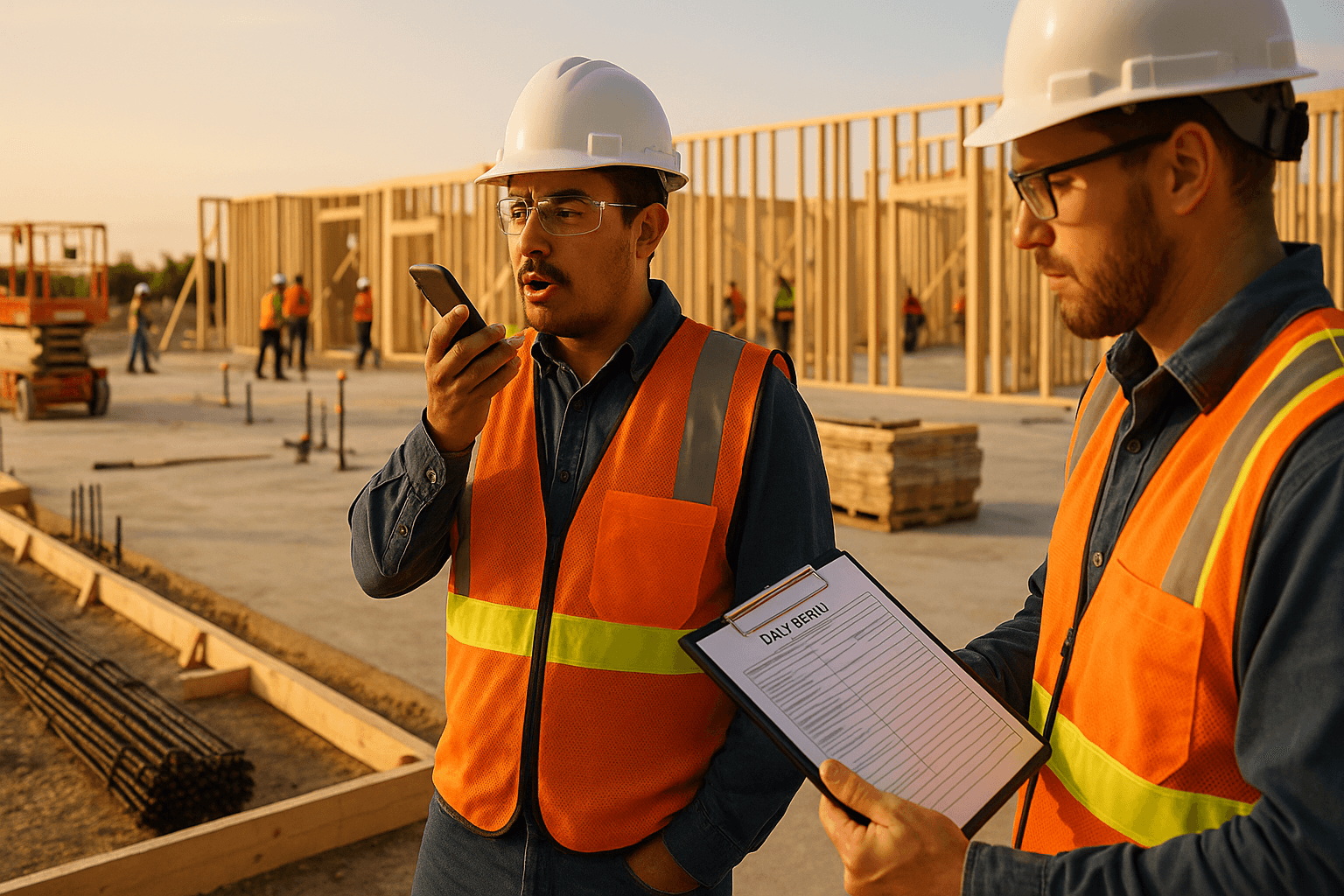
If you’ve ever chased down foremen at 6:30 pm for notes, then spent another 45 minutes translating “what really happened today” into a clean spanish construction daily report, you’re not alone. On Texas and Southwest jobs, crews are often bilingual, schedules are tight, and one missing detail (weather, deliveries, delays) turns into a pay app fight later. This guide gives you copy‑paste Spanish and bilingual daily report templates, real jobsite vocabulary (no awkward Google-translate terms), and a faster option: voice-to-report en español.
Table of Contents
- Download Plantillas / Download Templates
- Why Spanish Templates Matter
- Bilingual vs Spanish-Only: Which to Use
- Section-by-Section Guide (Guía de Secciones)
- Common Spanish Construction Terms
- Tips for Bilingual Documentation
- Digital Solutions with Spanish Support
- FAQ / Preguntas Frecuentes
Download Plantillas / Download Templates
Most “daily report template español” searches land on generic forms that don’t match how work actually gets tracked in the field. Below are two templates you can copy/paste into email, Word, Google Docs, Procore notes, Buildertrend notes, or your report tool.
Plantilla 1: Reporte Diario de Obra (Solo Español)
Use this when your crew communicates primarily in Spanish and you want speed and adoption in the field.
REPORTE DIARIO DE OBRA (Plantilla)
- Proyecto / Project:
- Ubicación / Location:
- Fecha / Date:
- Supervisor / Superintendent:
- Contratista / Contractor:
1) Clima (Weather)
- Condiciones: (despejado / nublado / lluvia / viento)
- Temp. alta / baja:
- Impacto al trabajo: (ninguno / retraso / paro)
2) Personal en sitio (Manpower)
- Cuadrilla / Empresa / Subcontratista:
- Oficio (framing, concreto, MEP, etc.):
- Cantidad de trabajadores:
- Horas trabajadas:
3) Trabajo realizado hoy (Work Performed Today)
- Área / Nivel / Zona:
- Actividades completadas:
- Actividades en proceso:
4) Materiales y entregas (Materials/Deliveries)
- Material recibido:
- Proveedor:
- Cantidad:
- Hora de entrega:
- Problemas (daños, faltantes):
5) Equipo (Equipment)
- Equipo usado:
- Horas de uso:
- Fallas / mantenimiento:
6) Seguridad (Safety)
- Pláticas de seguridad (toolbox talk) tema:
- Incidentes / casi accidentes:
- Observaciones (EPP, barandales, señalización):
7) Inspecciones / Visitas (Inspections/Visitors)
- Inspector / Entidad:
- Resultado: (aprobado / reprobado / observaciones)
8) RFIs / Cambios / Problemas (RFIs/Changes/Issues)
- RFI #:
- Cambio (CO/PCO) #:
- Restricciones / bloqueos:
- Acciones requeridas:
9) Plan para mañana (Plan for Tomorrow)
- Actividades:
- Necesidades (material, equipo, acceso):
10) Fotos / Evidencia
- Referencia a fotos (si aplica):
Firma / Signature:
Template 2: Bilingual Daily Report (Español + English)
Use this when you need field speed and an English-ready record for owners, GCs, claims, or compliance.
BILINGUAL CONSTRUCTION DAILY REPORT / REPORTE DIARIO (Plantilla)
- Project / Proyecto:
- Date / Fecha:
- Location / Ubicación:
- Superintendent / Superintendente:
Weather / Clima
- Conditions / Condiciones:
- High/Low / Alta-Baja:
- Impact / Impacto:
Manpower / Personal
- Company / Empresa:
- Trade / Oficio:
- Headcount / Cantidad:
- Hours / Horas:
Work Completed / Trabajo Completado
- Area / Área:
- What was finished / Lo terminado:
- What’s in progress / En proceso:
Delays & Impacts / Retrasos e Impactos
- Cause / Causa (weather, RFI, access, inspection):
- Duration / Duración:
- Notes / Notas:
Deliveries / Entregas
- Vendor / Proveedor:
- Material / Material:
- Time / Hora:
- Issues / Problemas:
Safety / Seguridad
- Toolbox talk / Plática:
- Incident/near miss / Incidente/casi accidente:
Inspections / Inspecciones
- Who / Quién:
- Result / Resultado:
Plan for tomorrow / Plan para mañana
- Crew needs / Necesidades:
- Areas / Áreas:
Attachments / Adjuntos: photos, logs, sign-in sheets
Practical takeaways you can use today
- If you’re trying to increase daily report completion, start with Spanish-first in the field, then translate/standardize for the office.
- If you’re dealing with owners/architects regularly, use the bilingual template so nobody feels like they’re working “outside the system.”
Why Spanish Templates Matter
The reality on many U.S. jobsites: the workforce is bilingual—and often Spanish-forward. About 34% of the U.S. construction workforce is Hispanic, which means your documentation system either fits the jobsite, or it gets ignored.
Example 1: A concrete crew foreman gives you a quick recap in Spanish (“colamos 3 losas, pero nos faltó varilla #4 y paramos 2 horas”). If your report form is English-only, that detail turns into something vague like “concrete work performed” and you lose the 2-hour impact you’ll need later.
Example 2: A bilingual superintendent is covering two projects. The only way the second site gets a daily report is if the foreman can fill it out fast. A plantilla reporte diario construccion in Spanish removes friction and raises the odds the report actually gets done.
Spanish templates don’t replace English requirements. They make field input accurate and consistent—so the English version is better, not just “more official.”
Practical takeaways
- Use Spanish templates to capture first-pass truth from the field.
- Standardize key sections (weather, manpower, deliveries, delays) so Spanish and English reports match.
- Treat language as a productivity tool, not a compliance afterthought.
Bilingual vs Spanish-Only: Which to Use
This isn’t a “one is better” debate. It’s about who is writing the report, who is reading it, and what risk you’re managing.
Example 1 (Spanish-only works): A framing subcontractor runs a 12-person crew, internal reporting only, and the GC just wants weekly summaries. A Spanish-only reporte diario obra keeps the crew consistent.
Example 2 (Bilingual is smarter): You’re on a public project in Texas with inspectors, owner reps, and potential claims. The field notes might be in Spanish, but the final record usually needs to be accessible in English.
Quick comparison
| Situation | Spanish-only template | Bilingual daily report |
|---|---|---|
| Field adoption (speed) | Best | Good |
| Owner/GC/architect readers | Risky if English required | Best |
| Claims, change orders, disputes | Needs translation later | Stronger paper trail |
| Multi-company teams | Can cause mismatches | Aligns everyone |
| Training new foremen | Simple | Slightly more setup |
Legal reality (keep it practical): Many contracts, notices, and formal project records are expected in English (and sometimes must be, depending on jurisdiction and contract language). A bilingual format helps you capture Spanish input without losing English compliance.
Practical takeaways
- Use Spanish-only when the same team creates and consumes the report.
- Use bilingual when the report crosses company boundaries (GC/owner/inspector) or might support a claim.
Section-by-Section Guide (Guía de Secciones)
A good construction report Spanish format isn’t about fancy wording—it’s about documenting the items that protect schedule, money, and safety. Here’s how to fill each section so it holds up later.
1) Clima / Weather
Don’t just write “hot” or “rain.” Tie it to impact.
Example 1: “Lluvia ligera 10:40–11:25 am; se paró instalación de roofing por seguridad.”
Example 2: “Viento fuerte; no se pudo usar la grúa para levantar ducto en azotea (2 horas).”
Tip: If weather caused a delay, note the start/end time and the affected activity.
2) Personal / Manpower
Headcount without trades is weak. Trades without hours is weaker.
Example 1: “Electricidad (8), 10 horas; jalado de cable en nivel 2.”
Example 2: “Tablaroca (5), 8 horas; colgado en pasillo A, 60% completado.”
Tip: Track manpower by company + trade + count + hours. That’s what supports productivity conversations.
3) Trabajo realizado / Work performed
Write like you’re explaining it to someone who wasn’t on site.
Example 1: “Se terminó cimbra y acero en zapata Z-14; listo para inspección.”
Example 2: “Se instaló tubería PVC 4” en zanja norte (tramo 120’); pendiente pendiente de prueba.”
Tip: Add location tags: building/level/gridline/area. It prevents “we did a lot” reporting.
4) Materiales y entregas / Deliveries
Deliveries are where delays hide.
Example 1: “Llegó block 8” (1,200 piezas) 9:15 am; faltaron 4 tarimas—se reportó al proveedor.”
Example 2: “Se entregó ducto; dos secciones dañadas (golpes). Se tomaron fotos y se notificó al GC.”
Tip: Always record vendor + time + quantity + issues. If something’s short or damaged, document it the same day.
5) Equipo / Equipment
Equipment notes protect you when production drops.
Example 1: “Plataforma elevadora (scissor lift) #3 fuera de servicio 1:30–4:00 pm (batería).”
Example 2: “Retroexcavadora usada 6 horas para zanja; paro 45 min por manguera hidráulica.”
Tip: Note the equipment ID/serial when possible, plus downtime.
6) Seguridad / Safety
Keep it factual. Avoid blame language.
Example 1: “Plática: protección contra caídas; se verificó arnés y línea de vida en azotea.”
Example 2: “Casi accidente: material suelto en escalera; se corrigió y se colocó señalización.”
Tip: Include “corrective action” so it reads like control, not chaos.
7) Inspecciones / Inspections
Inspections drive schedule. Document outcomes.
Example 1: “Inspección de acero en losa L2 — aprobada, 11:10 am.”
Example 2: “Inspección rough-in plomería — observaciones: falta soporte en tramo B; se corrige mañana.”
Tip: If it failed, write the exact reason and the plan to fix it.
8) RFIs / Cambios / Issues
This is where you prevent future finger-pointing.
Example 1: “RFI-27: conflicto entre ducto y viga en eje 4; se requiere respuesta para seguir.”
Example 2: “PCO-05: cambio de acabado en lobby; impacto estimado 2 días si no llega material esta semana.”
Tip: Always link an issue to impact (hours, days, area blocked).
9) Plan para mañana / Plan for tomorrow
This helps coordination and shows you’re managing forward.
Example 1: “Mañana: colado losa L2 (7:00 am); se requiere bomba y 2 vibradores.”
Example 2: “Mañana: inspección eléctrica 10:00 am; acceso a cuarto eléctrico debe estar libre.”
Practical takeaways
- If you only improve one thing: add time-stamped delays and location details.
- Use consistent phrasing so your office can compare day-to-day without guessing.
Common Spanish Construction Terms
Here’s a field-ready list—terms crews actually use. (Regional wording varies, so pick what your team understands and keep it consistent.)
General / Obra
- Daily report = reporte diario
- Jobsite = obra / sitio de trabajo
- Schedule = programa / calendario
- Delay = retraso / demora
- Scope of work = alcance de trabajo
- Punch list = lista de pendientes / punch list
- Change order = orden de cambio
- RFI = solicitud de información (RFI)
- Submittal = submittal / envío para aprobación
Concrete / Concreto
- Formwork = cimbra / encofrado
- Rebar = varilla / acero de refuerzo
- Pour = colado / colar
- Slab = losa
- Footing = zapata
- Cure = curado
Framing & Drywall / Estructura y Tablaroca
- Studs = postes / montantes
- Sheathing = revestimiento / plywood
- Drywall = tablaroca / panel de yeso
- Tape & mud = cinta y pasta
- Texture = textura
MEP / Instalaciones
- Conduit = tubo conduit / tubería conduit
- Wire pulling = jalado de cable
- Panelboard = tablero eléctrico
- Rough-in = pre-instalación / rough-in
- Ductwork = ductería / ducto
- Plumbing line = línea de plomería / tubería
Earthwork / Terracerías
- Excavation = excavación
- Trench = zanja
- Backfill = relleno
- Compaction = compactación
Safety / Seguridad
- PPE = EPP (equipo de protección personal)
- Hard hat = casco
- Safety glasses = lentes de seguridad
- Fall protection = protección contra caídas
- Guardrail = barandal
- Near miss = casi accidente
Practical takeaways
- Add a “preferred terms” list to your template so everyone writes the same thing.
- Keep acronyms (RFI, PCO, CO) as-is, but explain once in Spanish for clarity.
Tips for Bilingual Documentation
Bilingual documentation isn’t about “translating everything.” It’s about capturing the right details once—and making them readable for everyone who needs them.
Example 1: Your foreman reports in Spanish: “no entró el camión por el acceso, estaba bloqueado.” Write it bilingual with action: “Access blocked; delivery truck couldn’t enter. Gate cleared at 2:10 pm.” Now operations and the office both understand.
Example 2: An inspector note comes in English, but the correction gets done by a Spanish-speaking crew. Put the requirement in English, then the action in Spanish: “Correction required: add supports at 6’ o.c. / Acción: se instalaron soportes cada 6 pies.”
Simple rules that prevent confusion
- One source of truth: Pick one daily report format (Spanish-only or bilingual) per project.
- Keep numbers universal: Times, quantities, gridlines, and elevations should be crystal clear.
- Write impacts clearly: “2 hours delay” is better than “se atrasó.”
- Don’t “over-translate” trade slang: Use terms your crews use (and keep them consistent).
Practical takeaways
- If the office needs English, capture Spanish in the field—but convert to English the same day while it’s fresh.
- Use bilingual headers so anyone can scan the report fast.
Digital Solutions with Spanish Support
Paper templates and static forms help—but they still rely on someone sitting down to type. That’s where most daily reports die.
Example 1: A superintendent drives between two sites. By the time he gets back to the trailer, details are fuzzy: who was short-handed, what delivery was damaged, when the lift went down. Voice notes would’ve saved it.
Example 2: A foreman can explain the day perfectly in Spanish, but struggles to type it out on a phone. A voice-first approach captures accurate info without turning him into a clerk.
What to look for in a Spanish-friendly daily report tool
- True Spanish voice input (not “type Spanish into an English form”)
- Automatic structure (weather, manpower, work performed, delays, safety)
- Bilingual output options when needed
- Offline mode for bad reception areas
ProStroyka was built for this reality: you speak your update (in Spanish or English), and it generates a clean PDF daily report automatically—so you’re not spending 45 minutes typing after hours. It also supports Spanish end-to-end, which is still rare compared to tools that treat Spanish like an afterthought.
Practical takeaways
- If reports are late or inconsistent, the fix usually isn’t “try harder”—it’s reducing friction.
- Voice-to-report is the fastest way to keep details accurate, especially on bilingual crews.
FAQ / Preguntas Frecuentes
Q: What’s the best format for a spanish construction daily report—Spanish-only or bilingual?
A: If the report stays inside one company/team, Spanish-only is fast and works well. If the report goes to an owner, GC, architect, or might support a claim, bilingual is safer because it keeps English visibility while still capturing Spanish field detail.
Q: Do I still need an English daily report if my crew reports in Spanish?
A: Often, yes—many contracts and formal project records are expected in English. A practical approach is: Spanish input in the field (accurate and fast), then generate or maintain an English-ready version for distribution and documentation.
Q: What sections matter most for disputes and change orders?
A: Delays/impacts with timestamps, deliveries (short/damaged), inspections (pass/fail + reasons), manpower by trade, and RFIs/issues tied to specific locations. Those sections protect you when schedule and cost get questioned.
Q: How do I make sure different foremen write consistent reports?
A: Use the same template across the project, keep a short list of preferred terms (varilla, cimbra, zanja, rough-in), and require three basics every day: location, quantities, and impacts.
Q: Does ProStroyka support voice-to-report in Spanish?
A: Yes. ProStroyka supports Spanish voice input and turns it into a structured daily report PDF automatically, with features like automatic structuring and offline mode—useful for jobsites with weak signal.
Ready to cut your daily report time from 45 minutes to 3—and get free Spanish templates your crew will actually use? ProStroyka turns your Spanish or bilingual voice notes into professional PDF reports automatically. Start your free trial — no credit card required.