How to Document Weather in Construction Daily Reports
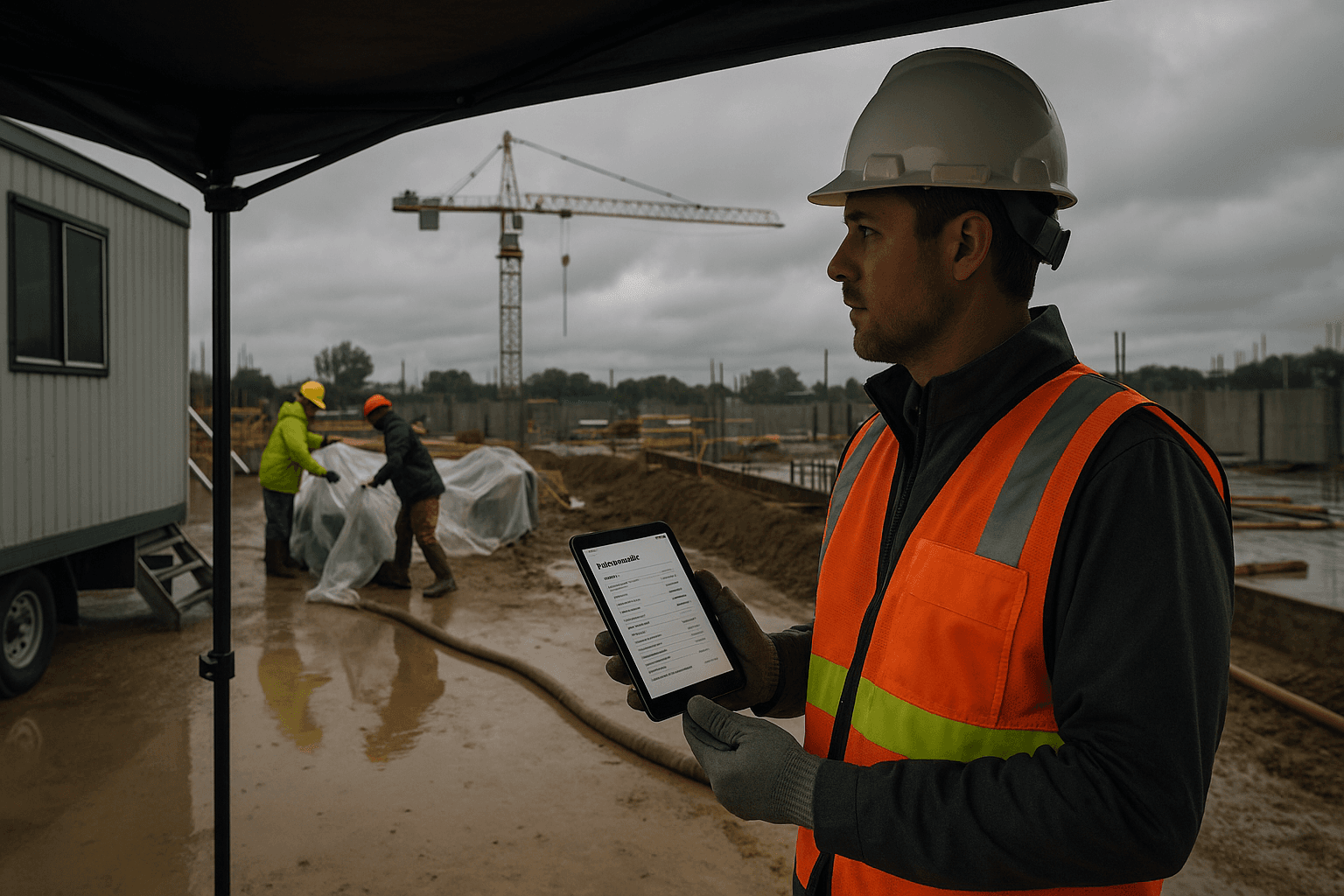
Weather documentation construction sounds like busywork—until the day you’re arguing a delay, a shutdown, or a rework cost and someone asks, “What was the weather on site?” If your daily report says “nice day” or has one temperature at noon, you’re basically handing the other side an opening. This guide shows a practical, court-friendly way to document weather (without turning you into a meteorologist) so your daily report weather section actually protects the job.
Table of Contents
- Why Weather Documentation Matters More Than You Think
- The 3-Reading Standard (7am, 12pm, 4pm)
- What to Document
- Where to Get Accurate Data
- Common Weather Documentation Mistakes
- Weather and Delay Claims
- Automating Weather Documentation
- FAQ
Why Weather Documentation Matters More Than You Think
Weather in daily report entries aren’t just “nice to have.” They’re often the #1 piece of evidence in delay claims because weather is one of the most common reasons work slows down or stops—and one of the easiest to argue about after the fact.
Two real-world scenarios you’ve probably lived:
- A concrete pour gets pushed. The owner says, “It barely rained.” Your report says “rainy.” Their lawyer pulls hourly station data showing light rain at the airport 12 miles away. Now your “rainy” entry looks sloppy.
- A roofing crew leaves early due to wind gusts. The GC asks why production dropped. If your daily report weather section only has a temperature, it looks like a manpower/management issue—not a safety call.
Good weather documentation construction practices do two things at once:
- They prove you were paying attention and managing the work.
- They connect conditions to impact (or document that there was no impact).
Practical takeaway you can use today:
- Stop writing opinions (“nice,” “cold,” “bad weather”). Write measurements + impact.
The 3-Reading Standard (7am, 12pm, 4pm)
Most supers do one reading. Usually around lunch. That’s better than nothing, but it misses the point: conditions change during the workday, and disputes usually focus on when work was impacted.
The industry-standard approach is three readings per day: 7am, 12pm, 4pm. It isn’t arbitrary. It’s built around how jobs actually run and how claims get evaluated.
Why 3 readings (not just 1):
- 7am captures start conditions: overnight rain, frost, muddy access roads, standing water, morning wind, temperature that affects cure time or material handling.
- 12pm captures peak production window: that’s when crews are typically in full swing and when precipitation/wind often changes.
- 4pm captures end-of-day conditions: shutdowns, early releases, wet-down requirements, cover/protection work, and whether you lost the last productive hours.
Two examples where one reading fails:
- You log “72°F, clear” at noon. But the morning had heavy fog and wet steel, delaying erection two hours. Without a 7am entry, that delay looks like poor coordination.
- You log “light rain” at noon, but a 3pm downpour shut down excavation and forced dewatering overnight. Without a 4pm entry, your report won’t match what the crew actually experienced.
Practical takeaway:
- If you only fix one thing, fix this: three timestamps every day. Even if everything is fine, the consistency is what makes it credible.
What to Document
A solid construction weather log doesn’t need 20 fields. It needs a few consistent facts that line up with how weather impacts work. Think: temperature, precipitation, wind, and impact.
Below is what to document weather construction teams can realistically do without slowing down the day.
Temperature
What to capture:
- Temperature at 7am / 12pm / 4pm
- Any freeze/thaw concerns (below 32°F / 0°C) when relevant
- Heat concerns when relevant (high temps that trigger breaks, water, reduced pace)
Two examples that matter:
- Concrete: “7am 34°F rising to 48°F by noon; blankets installed; heater used in enclosure.” That supports extra cost/time.
- Earthwork: “7am 29°F; subgrade frozen; started stripping at 9am after thaw.” That explains a slow start.
Practical takeaway:
- Don’t guess. Use a consistent source and log it. “Cold” isn’t defensible—“31°F at 7am” is.
Precipitation
What to capture:
- Type: rain, snow, sleet, hail
- Intensity: light / moderate / heavy (plain language is fine)
- Approximate start/stop if it actually affected work
- Total amount if you have it (but don’t invent it)
Two examples that matter:
- Intermittent rain: “Light rain on/off 10:20–11:05; resumed exterior framing 11:15.” That shows you didn’t lose the whole day.
- Snow: “2–3 in. overnight; site plowed by 7:45; crew started at 8:15; lost 1 hour.” That ties time lost to a measurable event.
Practical takeaway:
- If you don’t know inches, don’t make it up. Log what you observed plus the best available station estimate.
Wind
What to capture:
- Sustained wind speed and gusts if available
- Direction isn’t usually needed unless it matters (e.g., crane picks near structures)
- Note when wind affected lifting, roofing, setting panels, or working at height
Two examples that matter:
- Crane operations: “Gusts to 28 mph at 1:30pm; paused picks 1:30–2:15 per crane policy.” That’s a clean explanation.
- Roofing: “Sustained 18–22 mph; could not safely lay membrane; shifted crew to interior punch list.” That shows mitigation.
Practical takeaway:
- If wind stops work, write the policy trigger (company/crane manufacturer threshold) in plain terms.
Work impact
This is the part most daily reports miss. Weather delays construction arguments don’t hinge on “it rained.” They hinge on what it did to the work.
What to capture:
- What scope was impacted (e.g., excavation, roofing, exterior paint, crane picks)
- How it was impacted (stopped, slowed, resequenced)
- Duration (even if it’s an estimate)
- Mitigation steps (moved crews, protected materials, worked inside)
Two examples that separate good documentation from weak documentation:
- “Rain—couldn’t work.” (Weak: no scope, no duration, no mitigation.)
- “Moderate rain 2:10–3:40pm; suspended trenching due to sloughing and pump setup; reassigned 3 laborers to layout in Area B; lost ~1.5 hours production.” (Strong: scope + reason + action.)
Good vs. bad weather entry (copy/paste level examples):
- Bad: “Nice day. No issues.”
- Good: “7am 41°F, overcast; 12pm 56°F, light rain; 4pm 52°F, steady rain. Rain 2:15–4:30pm slowed exterior paving prep; crew shifted to forms in Grid C; no safety incidents.”
Practical takeaway:
- Even if there’s no impact, say it: “No weather impact to planned work.” That closes the loop.
Where to Get Accurate Data
You’re not trying to become the Weather Channel. You just need sources that are credible and repeatable.
Here are two dependable options that most project teams recognize:
- NWS (National Weather Service): Credible government source. Good for historical conditions, forecasts, and station-based data.
- Weather Underground: Useful because it can pull from nearby personal weather stations, which sometimes reflect neighborhood conditions better than a distant airport.
Two practical sourcing scenarios:
- Urban job with microclimates (downtown high-rises, waterfront): Weather can differ block to block. Weather Underground’s station network can help explain why your site was windy while the airport wasn’t.
- Rural job (highway, utilities, solar field): NWS station data may be farther away, so consistency matters. Pick the nearest relevant station and stick with it so your log isn’t “shopping” for data.
Best practice for credibility:
- Use the same primary source for your three readings.
- Note the location basis when it matters: “Data based on NWS station X miles from site” or “Nearest Weather Underground station in [neighborhood].” Keep it simple.
Practical takeaway:
- Don’t mix and match sources day to day unless you explain why.
Common Weather Documentation Mistakes
Most weather documentation construction problems come from being rushed, not being lazy. Here are the mistakes that create headaches later—plus what to do instead.
-
Writing opinions instead of facts
- Mistake: “Brutal heat,” “bad weather,” “perfect day.”
- Fix: “94°F at 12pm; implemented heat breaks; reduced pace on exterior work.”
-
Only one reading per day
- Mistake: “Noon: 60°F, cloudy.”
- Fix: Add 7am and 4pm. Conditions at start and end often drive delay arguments.
-
Forgetting the work impact
- Mistake: “Windy.”
- Fix: “Gusts to 30 mph; stopped lifts 10:50–11:35; reassigned crew to prep.”
-
Backfilling weather at the end of the week
- Mistake: Everything starts to look the same, and timestamps get fuzzy.
- Fix: Capture readings when they happen. Even 30 seconds at each time is enough.
-
Not documenting ‘no impact’ days
- Mistake: Leaving the daily report weather section blank.
- Fix: “Weather had no impact to planned work.” It matters when someone later claims you lost time.
Practical takeaway:
- Treat weather like safety: if it isn’t written down, it didn’t happen.
Weather and Delay Claims
This is where weather documentation stops being “admin” and becomes protection.
Delay claims often come down to three questions:
- Did the weather happen as claimed? (Your readings + a credible source help.)
- Did it actually impact the critical work? (Your impact notes help.)
- Did you mitigate reasonably? (Your resequencing notes help.)
Two scenarios where your log makes or breaks the story:
- Owner denies excusable delay: Your schedule shows exterior work planned. Your daily reports show three daily readings and specific windows of heavy precipitation plus documented resequencing. That’s a clean narrative.
- Subcontractor requests extra time: They claim wind shut them down for “three days.” Your construction weather log shows gusts above threshold for two afternoons only, and mornings were workable. Now you can negotiate from facts.
How to connect weather to delays without getting complicated:
- Tie it to planned activities: “Planned: set steel columns.” “Actual: paused picks due to gusts.”
- Tie it to time: “Lost 2 hours” or “shutdown after 1:30pm.”
- Tie it to site conditions: mud, access, standing water, unsafe surfaces.
Practical takeaway:
- Weather alone doesn’t win claims. Weather + impact + mitigation is what holds up.
Automating Weather Documentation
No one got into construction because they love paperwork. The goal is accuracy without adding another thing to remember.
Automated tools help because:
- They pull consistent readings from your location (less guessing, less backfilling).
- They standardize the daily report weather section so it’s readable across projects.
- They add credibility when you’re comparing your notes to third-party records.
Two real-world automation wins:
- Busy super on multiple scopes: You’re bouncing between an interior TI and an exterior pad. Auto-weather keeps your report consistent even when the day blows up.
- Claim prep months later: Instead of reconstructing weather from memory, your daily reports already have structured readings that line up day by day.
How to keep it simple (a field-ready process):
- Let automation capture the baseline measurements.
- You add the part only you can add: work impact (“lost 1.5 hours,” “shifted crew,” “no impact”).
Practical takeaway:
- Automate the data, not the judgment. Your impact notes are still the most valuable line in the report.
FAQ
Q: What if I can only do one weather entry per day?
A: Do one—but make it the start of a better habit. Add a quick 7am reading first (it captures overnight effects), then work toward 12pm and 4pm. Courts and reviewers trust patterns; three timestamps show you were consistently paying attention.
Q: Do I need rainfall inches for a solid daily report?
A: Not always. If you don’t have a reliable measurement, don’t guess. Log the type/intensity and the time window, then reference a credible source (like NWS or Weather Underground) for estimated totals if needed.
Q: What’s the best weather source: NWS or Weather Underground?
A: Use the one that best reflects your site—and stick to it. NWS is highly credible and consistent. Weather Underground can be closer to your job if there’s a nearby station. The biggest mistake is switching sources day to day without a reason.
Q: If weather didn’t affect work, should I still write it?
A: Yes. Write the readings and state “No impact to planned work.” That prevents someone from later claiming you “lost the day to weather” when your own reports are silent.
Q: How detailed should my work-impact note be?
A: One or two sentences is enough: scope + what changed + time lost (if any) + what you did instead. Example: “Light rain 1:10–2:00pm; stopped exterior paint; reassigned 2 painters to interior touch-up; no time lost overall.”
Ready to make weather documentation one less thing to remember? ProStroyka adds weather automatically from your location and turns your voice notes into a clean PDF daily report. Start your free trial — no credit card required.