Choosing the Right Construction Daily Log App: A Field Guide for Superintendents
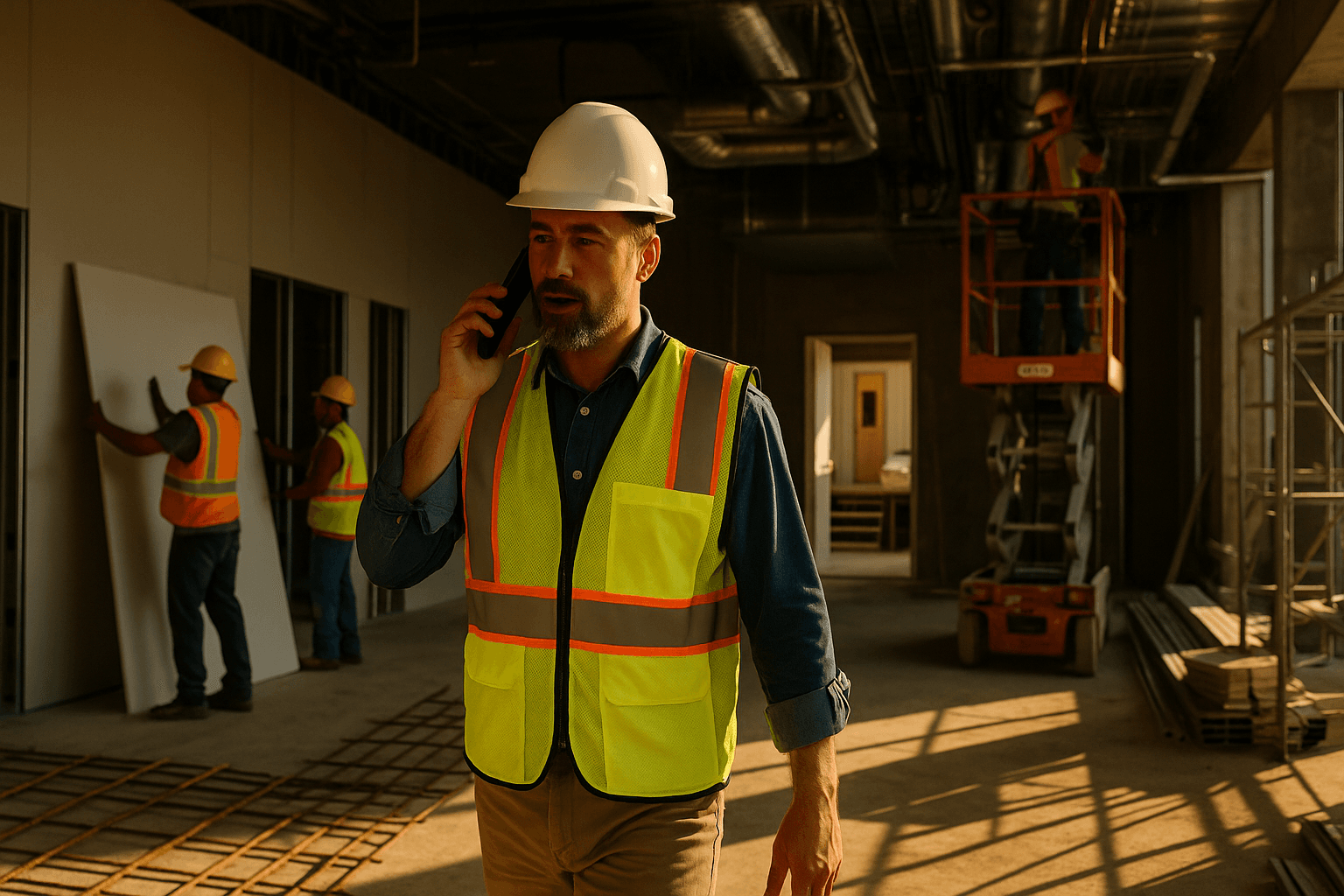
You’re not looking for another shiny “construction app.” You just want a construction daily log app that lets you finish reports fast after a 10–12 hour day, without sitting in the trailer clicking through 30 screens. Let’s cut through the noise and talk about what actually works in the field.
Table of Contents
- Why Daily Logs Still Suck (Even With Software)
- What a Good Construction Daily Log App Must Actually Do in the Field
- Voice-First vs Click-First: Two Very Different Workflows
- Key Features to Look for in a Construction Daily Log App
- Evaluating Cost: What You Really Pay for Daily Logs
- How to Test a Daily Log App in One Week on a Live Project
- Where ProStroyka Fits in Your Daily Log Tech Stack
- Next Steps: Try a Voice-First Daily Log on Your Next Week of Work
Why Daily Logs Still Suck (Even With Software)
The reality of doing reports after a 10–12 hour day
End of day, you’ve walked 15,000 steps, dealt with subs, RFIs, inspectors, and schedule fires. Now it’s 6:30 pm and you’re staring at a blank screen, supposed to produce a “complete” daily report.
In theory, construction daily reporting software should help. In practice, you’re:
- Pulling out your laptop in a dusty trailer
- Waiting on slow Wi‑Fi or hot-spotting from a dying phone
- Trying to remember what masonry actually finished on Level 3 at 10:15 am
On a mid-size commercial job, I’ve seen supers burn 30–45 minutes every night just to get something halfway usable entered. That’s time stolen from family, rest, or getting ahead of tomorrow’s issues.
Common complaints about current daily log tools
Most supers I’ve worked with say the same things about their current daily log app for superintendents:
- “Too many clicks just to log one crew.”
- “If I don’t fill every box perfectly, it yells at me.”
- “Feels like it was built for the office, not the field.”
Real examples:
- You’re on a residential project with 8 trades on site. Your app makes you open a separate screen for each trade, type headcounts, activities, locations, then save. That’s 8+ screens every night.
- On an industrial site with no signal in the basement, you try to log work in real time. The app spins, fails to sync, and you re-enter everything later anyway.
That’s click-first design: forms and menus first, field workflow second.
What happens when daily logs are rushed or skipped
When daily logs are a pain, they get:
- Rushed (“I’ll just write: ‘work continued as planned’.”)
- Done from memory (and half the details are wrong)
- Skipped entirely on “crazy days” — which are exactly the days you’ll need the record later
Consequences you’ve probably seen:
- Schedule disputes with subs where nobody has clean manpower and delay notes
- Safety incidents where the pre-task planning or site conditions weren’t clearly documented
- Claims where your team knows weather killed productivity, but the logs are too thin to help
A construction field reporting app that doesn’t match how you actually work just moves the pain from paper to screen. The problem isn’t “digital vs paper”; it’s workflow vs reality.
What a Good Construction Daily Log App Must Actually Do in the Field
Non‑negotiables for superintendents and foremen
From a field perspective, a useful construction daily log app has to:
- Be faster than your current method (paper, email, or existing app)
- Work on your phone, while walking the site
- Handle offline mode without complaining
- Capture manpower, work performed, delays, safety, and photos in one pass
Two real scenarios:
- On a high‑rise core pour, you walk floors at 4 pm, phone in hand, and log everything as you go — not sitting down at 7 pm trying to remember.
- On a highway project with no coverage, you record the day’s story offline. When you get signal back at the office or hotel, it syncs and sends the report.
If an app can’t do that, it’s just a prettier version of paperwork.
Features that sound nice but don’t matter on site
There’s a long list of things that look good in demos but don’t help you finish faster:
- Fancy analytics dashboards you never open
- Colorful Gantt charts in the mobile app
- Complex custom forms that only office staff touch
If the construction site documentation software you’re testing leans heavily on dashboards and “executive views” but can’t show you a simple, fast way to log:
- Who was here
- What they did
- What got in their way
…then it’s not solving your problem.
How daily logs impact schedules, claims, and safety
Daily logs aren’t just a box to check; they’re your trail of breadcrumbs:
- Schedules: When subs argue over who delayed who, the manpower and delay notes in your logs are often the only timeline everyone agrees on.
- Claims: You can’t control outcomes, but clear notes on weather, access issues, RFIs, and owner decisions give your company something concrete to work with.
- Safety: Near misses and small incidents, when logged consistently, show patterns (same area, same trade, same time of day) before something serious happens.
A good construction daily reporting software makes this level of detail realistic to capture, without adding 45 minutes to your day.
Voice-First vs Click-First: Two Very Different Workflows
Typing and tapping: why most apps still take 30–45 minutes
Most tools are built on a typing and tapping mindset:
- Tap to add a company
- Tap to add manpower
- Type activities
- Tap to add issues, delays, notes
On a busy commercial job, that can mean:
- 10–15 companies
- 30+ activity lines
- 5–10 photos
- Weather, safety, visitors, deliveries
It’s no surprise it takes 30–45 minutes. You’re acting like a data entry clerk, not a superintendent.
Voice-to-text workflows: how they cut friction on site
A voice-first workflow flips that around. Instead of forms first, you:
- Walk the site
- Talk through what happened
- Let the app’s AI break it into sections for you
For example, you say:
“Today, Monday June 10th, weather was clear in the morning, light rain after 3 pm. Drywall crew from ABC Interiors, 8 guys on Level 2, closing up corridor walls at grid C to F. Concrete crew, 6 workers in the loading dock forming curbs. We lost about 2 hours after lunch due to the pump truck breakdown. No recordable safety incidents, but one near miss with a ladder in Stair 2 — corrected and documented with the foreman.”
A tool like ProStroyka takes that voice to text daily report, and automatically turns it into a structured document instead of a big pile of raw text.
Realistic example: turning a 3-minute walk-through into a full report
Picture a 3‑minute final walk‑through at 4:30 pm:
You talk into your phone as you move:
- Who’s on each floor
- What they’re working on
- Any delays or issues
- Any safety items
The app then generates a daily report with:
- Manpower table by company and headcount
- Work performed by location and activity
- Delays / impacts with time lost and cause
- Safety section with notes on incidents or near misses
- Weather summary for the day
Instead of manually filling 10 different fields, you spent 3 minutes talking. That’s the difference between a voice-first construction field reporting app and another tap-and-type tool.
Key Features to Look for in a Construction Daily Log App
True voice-first reporting (not just a dictation box)
“Voice-to-text” inside a notes field isn’t enough. True voice-first means:
- You can record in one or a few takes
- The system understands construction language
- It organizes content into manpower, equipment, activities, delays, safety automatically
ProStroyka, for example, is built around this idea: you talk, and the AI structures the daily into a clean PDF. That’s very different from just giving you a blank dictation box and saying, “Good luck.”
Automatic structuring into sections (manpower, equipment, issues)
You shouldn’t have to think about formatting. Look for tools that:
- Detect trade names and company names
- Recognize quantities and locations
- Split your story into standard daily report sections
For instance, you say:
“Steel crew, 5 guys on the roof, setting joists over grids 4 to 8. Crane down from 1 to 3 pm due to high winds; that pushed decking to tomorrow.”
A good construction daily log app turns that into:
- Manpower: Steel crew — 5
- Work performed: Roof – setting joists, grids 4–8
- Delay: Crane shut down, 1–3 pm, cause: high winds, impact: decking pushed to tomorrow
No extra typing required.
Offline mode for low-signal jobsites
On many jobs, offline mode isn’t a “nice to have”; it’s survival:
- Underground parking structures
- Elevator cores and basements
- Rural or highway jobs with weak cell coverage
Your app should let you:
- Record voice notes and photos with no signal
- Save everything locally
- Sync automatically when you’re back in coverage
ProStroyka was built with this in mind: it supports offline recording, then processes and sends your report when you’re back online. You shouldn’t be fighting spinning wheels at 6 pm in a concrete bunker.
Spanish and bilingual crews: capturing accurate information
On many projects, key details are coming from Spanish-speaking foremen and crews. If your construction daily log app only really works in English, you lose nuance and accuracy.
With Spanish support, you can:
- Let supers or foremen record reports in Spanish
- Capture complex work descriptions in the language they’re most comfortable with
- Get a structured report out the other side
ProStroyka supports Spanish voice input, so a foreman can say:
“Hoy tuvimos 10 trabajadores de concreto en el nivel 1, colando losa en el área norte. Tuvimos un retraso de una hora por falla en el vibrador.”
…and still get a clean, structured daily report. That’s a big step up from “just write something in the comments.”
Photos, weather, and attachments without extra admin work
The app should make the usual extras painless:
- Photos: Snap as you walk, and have them auto-attached to the correct day.
- Weather: Auto-pull daily weather instead of you typing it.
- Attachments: Add sketches or screenshots quickly when needed.
The benchmark: if adding 5–10 photos adds more than a minute to your workflow, it’s too clunky.
Evaluating Cost: What You Really Pay for Daily Logs
Direct software cost vs the cost of superintendent time
When you compare construction daily reporting software, don’t just look at subscription price. Do the math on superintendent time:
- 30 minutes/day saved × 5 days/week × 48 weeks/year = 120 hours/year per super
- Even at $60/hour burdened cost, that’s $7,200/year of time freed up
Now compare that to software cost:
- A tool that’s $49/month but saves 30 minutes/day is cheaper than a $20/month app that no one wants to use.
How pricing compares: Raken, Procore, Buildertrend, and lean tools
At a high level:
- Raken: Strong daily reporting features, but you’re typically looking at $100+ per user per month depending on plan and volume.
- Procore: Powerful enterprise suite; dailies are just one module. Usually priced at the company/account level, best for larger organizations with broader needs.
- Buildertrend: All‑in‑one for residential; daily logs are part of a bigger package focused on builders and remodelers.
- Lean tools like ProStroyka: Focused almost entirely on daily reports, with early pricing around $49/month (vs $99 regular), aimed at being easy to roll out to multiple supers.
The point isn’t that one is “good” or “bad.” It’s: what problem are you actually trying to solve right now? If it’s daily logs, a focused tool might be the better first move.
When a lightweight daily report app beats an all-in-one suite
All‑in‑one platforms make sense when:
- You’re standardizing processes across many jobs
- You need tight integration with RFIs, submittals, financials
A lightweight daily report app wins when:
- Your biggest complaint is, “Daily logs take too long.”
- You’re not ready to rip out your whole system yet.
- You just want your supers to send clean, consistent dailies every day.
You can always layer a simple construction daily log app like ProStroyka on top of Procore or Buildertrend, and keep using those for everything else.
How to Test a Daily Log App in One Week on a Live Project
15-minute setup checklist
Here’s a simple one‑week test you can run on a current job:
In 15 minutes, do this:
- Pick one project and 2–3 supers/foremen to test.
- Create accounts in the new app (e.g., ProStroyka) for those people.
- Add basic project info: name, address, typical trades.
- Show a 5-minute demo: how to start a voice report, how to review the PDF.
That’s it. No big rollout, no company-wide training.
What to have your supers and foremen try each day
For 5 working days, ask the test group to:
- Do one voice-based daily report per day in the new app.
- Still do your official log in your current system (for now), but time it.
Specific tasks:
- Record a 3–5 minute walk‑through each afternoon.
- Mention manpower, activities, delays, safety, and weather.
- Take 3–5 photos and attach them.
You want them to use it like they actually work, not just poke around.
Metrics to track: time spent, completeness, and crew adoption
End of the week, look at three things:
- Time per report: How long does it take in your current system vs the new voice-first app?
- Completeness: Are key details captured more consistently? (manpower, delays, safety notes)
- Adoption: What do supers and foremen say? “Faster” or “more hassle”?
A simple tally:
- If they’re saving 20–30+ minutes per day and the reports look better, you’ve got a winner.
- If it’s the same time, but less mentally draining, that still matters.
Where ProStroyka Fits in Your Daily Log Tech Stack
Designed for 3-minute voice reports, not paperwork
ProStroyka is built for one job: turn your voice into a professional daily report PDF in about 3 minutes.
- You speak your daily in English or Spanish.
- It works offline and syncs later.
- The AI structures everything into sections like manpower, activities, delays, and safety.
It’s not trying to replace your entire project management stack. It’s just trying to take that 30–45 minute end‑of‑day grind and cut it down to something you can do while walking the site.
Example workflow: from spoken notes to PDF and email
Here’s what a ProStroyka daily looks like in practice:
- At 4:15 pm, you open the app and hit record.
- You walk floors, talking through:
- Crews and headcounts
- Work in place
- Issues, delays, safety
- Any visitors or inspections
- You stop recording; the app processes (even if it has to wait for signal).
- You get a structured PDF with:
- Project/date header
- Weather summary
- Manpower by company
- Work performed by location
- Delays/impacts
- Safety notes
- Photo section
- You send it to your PM, owner, or upload it where you keep dailies.
No spreadsheet, no typing marathon.
Using ProStroyka alongside Procore or Buildertrend
If you’re already on Procore, Buildertrend, or another platform, you don’t have to choose between them and ProStroyka.
Common patterns I’ve seen:
- Use ProStroyka for fast, consistent dailies from supers and foremen.
- Store or attach the generated PDFs in Procore/Buildertrend as the official daily log record.
- Let the main platform handle RFIs, submittals, financials, and scheduling.
That way, you solve the daily report pain now, without a full system change.
Next Steps: Try a Voice-First Daily Log on Your Next Week of Work
Simple rollout plan for one crew or one project
If you want to see whether a voice-first construction daily log app is worth it, don’t overthink it. On your next project:
- Pick one job and 2–3 field leads.
- Have them run ProStroyka in parallel with your current process for one week.
- Compare time, quality, and how exhausted they feel at the end of the day.
Questions to ask your team after the trial
At the end of the week, ask them:
- “How many minutes did you spend on dailies before vs now?”
- “Did you miss fewer details because you were talking as you walked?”
- “Would you actually use this every day, or would it collect dust?”
- “Did Spanish support or offline mode matter on this job?”
Their answers will tell you more than any software brochure.
How to decide if it’s worth standardizing across jobs
Look at the numbers and the feedback:
- Are you saving 20–40 minutes per super per day?
- Are the reports more complete and consistent?
- Are your Spanish-speaking or bilingual crews better represented in the logs?
If yes, it’s probably worth rolling out to more projects and making it your standard.
Test ProStroyka on your next week of daily logs and see if 3‑minute voice reports beat your current app—start a free trial today. Start your free trial