Construction Daily Report Software for Foremen: What to Look For (and What to Skip)
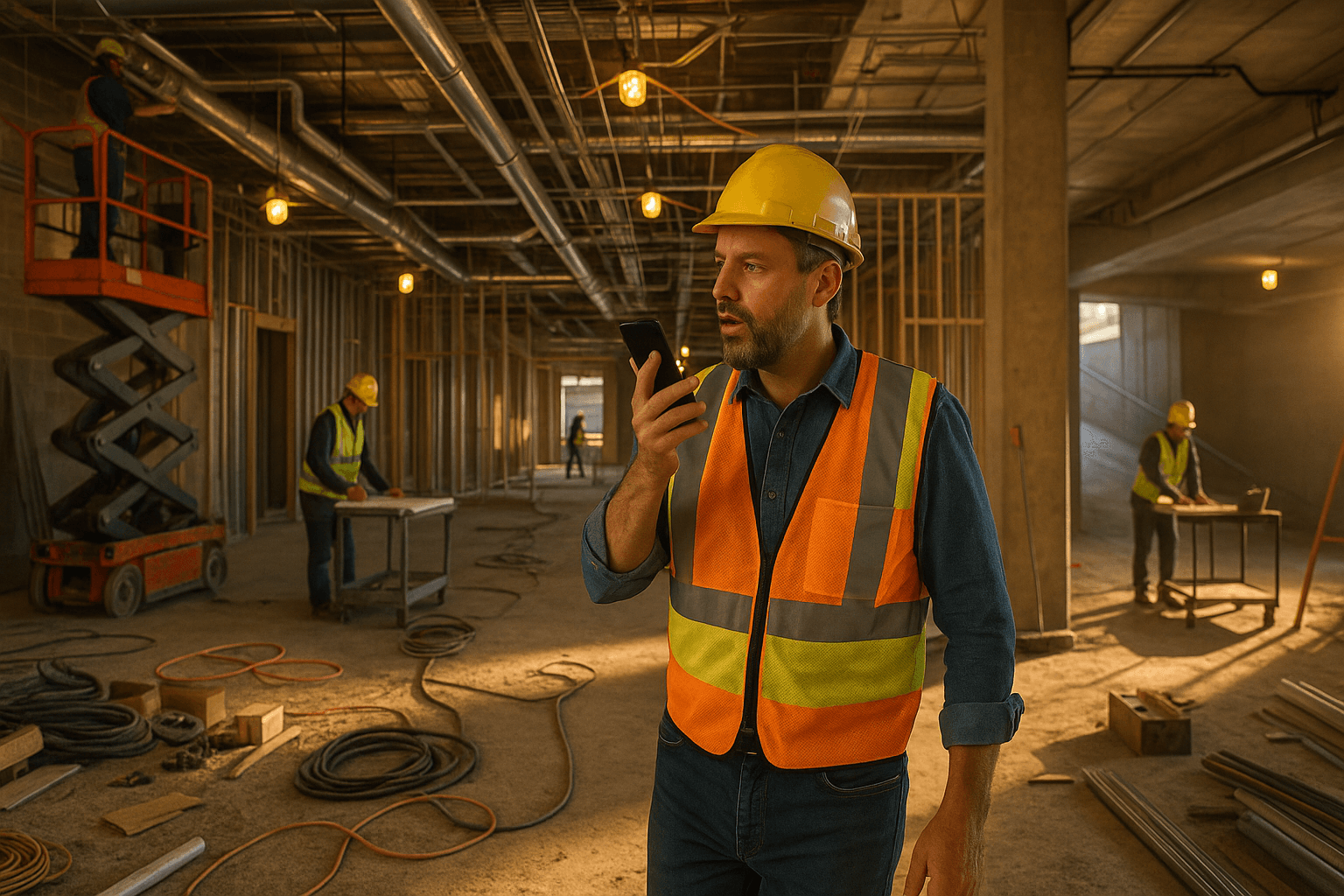
You’re probably feeling it: every year, the company wants more detail in your daily reports, but nobody takes anything off your plate. You’re still running crews, solving problems, and somehow you’re also expected to type out perfect logs on your phone after a 10-hour shift. That’s exactly why construction daily report software for foremen has to be judged by one thing first: does it actually work in the field, or does it just add more paperwork?
Table of Contents
- Why Foremen Are Getting Stuck With More Paperwork Than Ever
- What Makes Construction Daily Report Software Actually Work for Foremen
- Daily Report Workflow: A Realistic Day in the Life of a Foreman
- Key Features to Compare When Choosing a Foreman-Friendly Daily Report App
- Speed of input: voice-to-PDF, photo capture, and auto-structuring
- Ease of use for less tech-comfortable crew leaders
- Standard fields foremen care about: manpower, quantities, equipment, safety
- Sharing reports with supers, PMs, and owners without extra work
- Pricing and per-user costs that hit the field budget
- Red Flags: Daily Report Tools That Slow Foremen Down
- How Voice-First Daily Reporting Changes the Game for Foremen
- Checklist: Is This Daily Report Software Right for a Working Foreman?
- Where ProStroyka Fits In for Foremen
- Next Step: Try a Foreman-Focused Daily Report Workflow
Why Foremen Are Getting Stuck With More Paperwork Than Ever
How documentation has shifted from the office trailer to the field
A few years ago, most of the detailed documentation lived with supers, project engineers, or the office. Foremen might sign a paper daily, jot a few notes, and that was it.
Now owners, GCs, and insurers want daily construction site reports with timestamps, photos, manpower by cost code, and safety notes. Instead of hiring more office staff, companies push that work downhill to the field — to you.
Example: you’re framing a retail build-out, still swinging a hammer part of the day. The PM wants detailed dailies for every area, every sub, plus photos for each delay. That’s all coming from your phone.
Another example: on a civil job, the owner’s rep asks for daily quantities, equipment hours, and weather impacts. The office forwards the request… and you’re the one stuck building those records.
Common complaints from foremen about daily reports
Most working foremen handle daily reports with a mix of:
- Scrap paper in the truck
- Notes app on the phone
- Text messages from subs
- Photos sitting in the camera roll
- Late-night typing to “clean it up”
Common complaints:
- “I forget details by the time I sit down to type it.”
- “I’m hunting through texts and pictures at 8 p.m. to remember what happened at 10 a.m.”
- “Typing on a cracked phone screen with dirty gloves isn’t realistic.”
If “foreman daily log software” feels like just another thing to feed, you’re not wrong. Most tools weren’t built for someone walking the job, answering calls, and directing three subs at the same time.
The hidden cost of stopping work to type logs on your phone
Stopping to type a daily construction site report doesn’t just cost time, it breaks your focus.
Scenario 1: concrete pour. You’re lining out finishers, watching the pump, answering QC questions. The PM texts, “Don’t forget detailed daily on this pour.” If you stop for 15 minutes to type, you’re not watching edges, crews, or safety.
Scenario 2: interior build-out. You’re checking ceiling heights, coordinating HVAC, and a delivery shows up early. You’ve also got to log manpower, deliveries, and delays. Every time you pull out your phone to type, production slows.
Over a week, those “quick” 30–45 minute report sessions can eat 3–4 hours. For many foremen, that time happens after the crew leaves, cutting into your evening and increasing burnout.
What Makes Construction Daily Report Software Actually Work for Foremen
Must-have features for crews in the field (not just the office)
If you’re looking at construction daily report software for foremen, judge it by field reality, not by a sales demo.
Must-haves:
- One-handed use while you’re walking or riding the lift
- Fast capture of manpower, work performed, issues, and safety
- Photos attached on the spot without hunting for them later
- No need for long typing sessions to make it look “formal”
Example: you’re walking the site at 2 p.m. and see a delay: wrong material delivered. The right app lets you snap a photo, talk for 30 seconds, and that’s logged and time-stamped automatically.
Another example: steel crew shows up with two extra guys. You record a quick note and they’re added to manpower for the day without you filling out a spreadsheet.
Voice-first vs. typing: why speed matters when you’re on the move
A construction daily report app for foremen has to respect one simple fact: you talk way faster than you type on a phone.
Most foremen can talk through the entire day in 2–4 minutes:
“Weather clear, started at 7. Framing crew of 4 in Area B, poured slab patch at dock with 3 laborers, drywall sub had 5, left at 1 p.m. waiting on inspection. Delay on east wall — missing embeds. Notified PM at 10:30. No injuries. Ladder issue corrected before work started.”
Typing that same thing into a tiny keyboard, formatting it nicely, and sending a PDF? That’s closer to 30 minutes.
That’s where voice to PDF construction reports come in. You talk like you normally do; the software turns it into a clean, structured daily.
Offline mode and spotty jobsite Wi‑Fi
You know the dead zones on your jobs: basement levels, tunnels, stair cores, remote project sites.
If your construction reporting software needs full signal to work, you’ll end up back on paper notes.
Two real-world situations:
- You’re in the parking garage level B2 doing a walk. No signal, but you’ve got to document a water intrusion and manpower shift. With the right app, you can still record, and it syncs later.
- Rural substation job. Signal drops all day. You shouldn’t have to remember everything and type it up when you get back to the hotel.
Offline mode isn’t a nice-to-have. For field crews, it’s the only way the software will be used consistently.
Spanish and bilingual crews: capturing what really happened
On many jobs, the people who see the most issues first are Spanish-speaking leads and crew members.
If your foreman daily log software doesn’t handle Spanish well, you lose information. Things get simplified, or never written down at all.
Example: your assistant foreman is more comfortable in Spanish. He notices a safety concern and explains it clearly verbally, but struggles to write it in English. A voice-first app that supports Spanish lets him speak naturally while still outputting a standard report for management.
Another example: your crew talks about a delay in Spanish around lunch — wrong anchor bolts, missing hardware. If someone can capture that right then, in their own language, your daily will show what actually happened, not just what you remember at night.
Daily Report Workflow: A Realistic Day in the Life of a Foreman
Morning: manpower, deliveries, and subs checking in
Morning is chaos: you’re counting heads, assigning areas, chasing missing materials, and dealing with late subs.
Right now, you might:
- Scribble crew counts on scrap paper
- Text yourself “plumbers 6, framers 4, demo 3”
- Snap a photo of the delivery ticket and hope you remember it
A foreman-friendly best daily report app for field crews lets you quickly speak notes as you walk: “7 a.m., weather clear, 4 carpenters Area C, 3 laborers demoing walls, delivery of 200 sheets 5/8” Type X.”
Midday: incidents, delays, and change impacts
Midday is when the surprises hit: RFIs, wrong materials, owner changes, safety issues.
Today’s reality without good software:
- You handle an incident (trip hazard, near miss) and say, “I’ll write it later.”
- The owner walks the job and adds scope. You mention it to the PM, but it’s not written anywhere yet.
With the right construction daily report app for foremen, you can:
- Step aside for 60 seconds, record: “11:10 a.m., owner added two extra light fixtures in Corridor 2, will require additional framing and wiring.”
- Log a safety issue immediately: “Guardrail loose at Level 3, corrected before work resumed, no injury.”
Later, that protects you and the company on change orders and claims (without you needing to be a lawyer or write a novel).
End of day: turning notes and photos into a finished report
End of day, most foremen do some version of this:
- Sit in the truck or at home, trying to read their own handwriting
- Scroll through 40+ photos to remember which area is which
- Type everything into an email or web form
This is where construction foreman documentation usually falls apart. You’re tired, you forget times, you skip minor issues because you just want to go home.
With voice-first software, you’d instead:
- Open the app
- Talk through the day in 2–3 minutes
- Let the software generate a PDF with sections like manpower, work performed, delays, safety, inspections
That’s the core workflow ProStroyka is built around.
Where software can shave 30–45 minutes off this process
A realistic comparison:
-
Traditional typing-based daily
- 10–15 minutes collecting notes and photos
- 20–30 minutes typing, formatting, emailing or uploading
- Total: 30–45 minutes, often unpaid time
-
Voice-first daily with auto-structuring
- 1–2 minutes skimming your photos/notes
- 2–3 minutes talking through the day
- PDF generated automatically
- Total: about 3–5 minutes
Over a 5-day week, that’s 2.5–3.5 hours back. Over a month, that’s a full day of work you’re not spending typing.
Key Features to Compare When Choosing a Foreman-Friendly Daily Report App
Speed of input: voice-to-PDF, photo capture, and auto-structuring
For construction daily report software for foremen, speed is the main metric.
Look for:
- True voice-to-PDF (not just “record audio” you still have to type later)
- Ability to attach photos as you talk
- Automatic structuring into sections (manpower, work performed, delays, safety, inspections)
That’s exactly what ProStroyka does: you talk through your day, it sorts everything into a professional PDF daily report automatically.
Ease of use for less tech-comfortable crew leaders
Not every good foreman is a tech person. The app has to be simple enough that your most old-school lead can use it.
Ask:
- Can someone figure it out with zero training in 5 minutes?
- Are the buttons big and obvious, or buried in menus?
- Can you use it with gloves on and a dirty screen?
If it feels like using email or a spreadsheet on your phone, skip it.
Standard fields foremen care about: manpower, quantities, equipment, safety
A good construction reporting software should cover the basics you get asked about all the time:
- Manpower by trade or company
- Quantities installed (LF of pipe, SF of drywall, CY of concrete)
- Equipment on site and hours used
- Safety notes, toolbox talks, incidents
- Delays and impacts (weather, missing materials, access issues)
With ProStroyka, you don’t have to click each field. You just talk: “5 electricians pulling wire, installed roughly 400 feet in Corridor A, 60’ boom lift on site all day, toolbox talk on ladder safety.” The AI drops each piece in the right section.
Sharing reports with supers, PMs, and owners without extra work
You shouldn’t have to do three versions of the same daily.
Look for:
- Clean PDF output you can email or upload to your existing system
- Simple share options (email, link, upload)
- Standard format that office staff can read without explanation
Example: you finish your daily in ProStroyka, it generates a PDF, and you send it to your superintendent and PM in one go. Same report can be attached to Procore, emailed to the GC, or dropped in a shared folder.
Pricing and per-user costs that hit the field budget
Many big platforms charge per user, per month, and it adds up fast in the field.
As a foreman, you care about:
- Is this coming out of the project budget?
- Is it realistic to put this on every working foreman’s phone?
ProStroyka is straightforward:
- $49/month early bird pricing
- $99/month regular pricing
No complicated bundles, no enterprise-only sales calls. Compared to typical $100+/user tools built for PMs, it’s priced so you can actually roll it out to field leaders, not just office staff.
Red Flags: Daily Report Tools That Slow Foremen Down
Apps that require typing everything like an email
If a tool expects you to type long paragraphs into tiny boxes, it’s not built for the field.
Red flag examples:
- No voice input, or voice only as a memo you still have to type later
- Daily report screen looks like an email compose window
That kind of app might work for someone at a desk. For a foreman walking a muddy job, it just guarantees half-finished reports.
Overcomplicated enterprise tools built only for project managers
Some platforms are powerful but assume the user is a PM with dual monitors.
Field red flags:
- Tons of required fields that don’t match what you track
- Complex navigation just to start a daily
- Long setup or configuration before you can even log manpower
If you need training sessions just to log a daily construction site report, it’s not foreman-friendly.
No offline mode = no logs when you’re in the basement or on remote sites
Any app that says “You’re offline, try again later” when you’re trying to document an issue is a problem.
You know your jobs: basements, elevator shafts, rural roads, inside steel buildings. If the app can’t capture data there, you’ll end up back on paper or relying on memory.
Limited language support that ignores bilingual crews
If the app can’t handle Spanish or mixed English/Spanish notes, you lose detail.
Red flags:
- Poor transcription of Spanish
- No option to speak in Spanish and still get a clean report
That leaves your Spanish-speaking leads either silent or struggling, and important details fall through the cracks.
How Voice-First Daily Reporting Changes the Game for Foremen
Talking through your day in 3 minutes vs. 30 minutes of typing
This is the entire point of voice-first tools like ProStroyka.
You finish the day, open the app, and say something like:
“Crew started 7 a.m., weather overcast. 3 carpenters framing Corridor B, 2 laborers cleanup, 4 electricians rough-in. Delay at 9:30 a.m. — missing light fixture brackets, notified PM. Safety: toolbox talk on housekeeping, no incidents. Inspections: framing in Corridor A passed at 2 p.m.”
You’re done in about 3 minutes. The app turns that into a structured PDF, ready to send.
Compare that to pecking it all out with your thumbs after dinner.
Letting AI structure manpower, delays, and safety notes for you
You shouldn’t have to worry about formatting.
ProStroyka’s workflow:
- You speak naturally about your day
- The AI pulls out manpower, work performed, delays, safety, inspections
- It lays them out in a clean, professional PDF daily report
That means no messing with templates, no copy-pasting, no re-typing. You focus on saying what happened; the system handles the structure.
Protecting yourself with better documentation without extra work
Good daily reports won’t turn you into a lawyer, and they’re not a guarantee in any dispute. But they do give you a clear record when questions come up about:
- Why work was delayed
- Who requested extra work
- What manpower and equipment was actually on site
Example: two months later, someone asks why drywall wasn’t finished on a certain date. Your daily shows: “Waiting on inspection, inspector no-show, notified GC at 10:15 a.m.”
Another example: a change order gets questioned. Your daily shows when the owner requested added scope and what crew was tied up doing it.
You’re not promising legal outcomes — you’re just covering yourself with clear, consistent documentation, without adding extra hours.
Checklist: Is This Daily Report Software Right for a Working Foreman?
10 yes/no questions to evaluate any app in 5 minutes
Here’s a field-ready checklist you can screenshot or print. If you’re not getting mostly “yes,” look elsewhere.
- Can I complete a full daily in under 5 minutes while standing on site?
- Can I talk through my day instead of typing everything?
- Does it automatically create a PDF I can send to my super/PM/owner?
- Does it work offline in basements, cores, and remote areas?
- Can it handle Spanish voice input or bilingual crews without garbling?
- Are manpower, work performed, delays, safety, and inspections clearly captured?
- Can a non-tech foreman learn it in under 10 minutes without training?
- Can I attach photos quickly and know they show up in the final report?
- Is the pricing reasonable for every working foreman to have it?
- Does it save me at least 30 minutes a day compared to how I do dailies now?
How to run a quick on-site trial with your crew
Don’t overthink testing. On your next shift:
- Pick one app (for example, ProStroyka)
- Use it for three straight days on one project
- Time yourself: how long does each daily really take?
- Ask one other crew leader to try it and see if they can figure it out without help
If it’s not clearly faster and easier than your current mix of notes/texts/emails, move on.
Where ProStroyka Fits In for Foremen
Voice-to-PDF daily reports built for field crews first
ProStroyka is built around one job: turning your voice into a clean daily report in minutes.
You speak; it generates a PDF daily report with:
- Manpower
- Work performed
- Delays and issues
- Safety notes
- Inspections
No templates to manage, no formatting, no late-night typing. Just a straightforward foreman daily log software that matches how you actually work.
Spanish support and offline mode for real jobsites
ProStroyka supports Spanish and bilingual crews, so your field leaders can talk in the language they’re most comfortable with and still produce standardized reports.
And because it has offline mode, you can record your report in the basement, stair core, or on a remote site. When your phone gets signal again, it syncs and generates the PDF.
That makes it practical on real jobs, not just in the office trailer.
Simple pricing compared to complex, expensive platforms
ProStroyka keeps pricing simple:
- $49/month early bird
- $99/month regular
No enterprise contracts, no per-feature add-ons. Compared to big construction platforms that can run well over $100 per user, per month, it’s priced so actual working foremen and small crews can use it daily.
You can read more about how it works and sign up on the ProStroyka website.
Next Step: Try a Foreman-Focused Daily Report Workflow
How to test ProStroyka on your next three shifts
Here’s a simple way to see if ProStroyka is worth it for you:
- On your next shift, keep doing your notes the usual way, but also record a ProStroyka voice daily at the end of the day
- Do this for three shifts in a row
- Time it — from opening the app to sending the PDF
If your dailies aren’t down to about 3 minutes of talking instead of 30–45 minutes of typing and hunting for notes, it’s not doing its job.
What metrics to track: minutes saved and fewer missed details
While you’re testing, watch for:
- Minutes saved per day (how long your daily actually takes)
- Missed details (are you capturing more delays, safety notes, and small issues?)
- Office feedback (are supers and PMs getting clearer reports with less back-and-forth?)
If you can get clearer documentation, in less time, with less frustration, that’s a win for you and the project.
Ready to cut your daily report time from 45 minutes to 3? ProStroyka turns your voice notes into professional PDF reports automatically. Start your free trial on your next three shifts and see how fast you can finish your daily reports with just your voice.