The Daily Report Checklist Every Super Needs
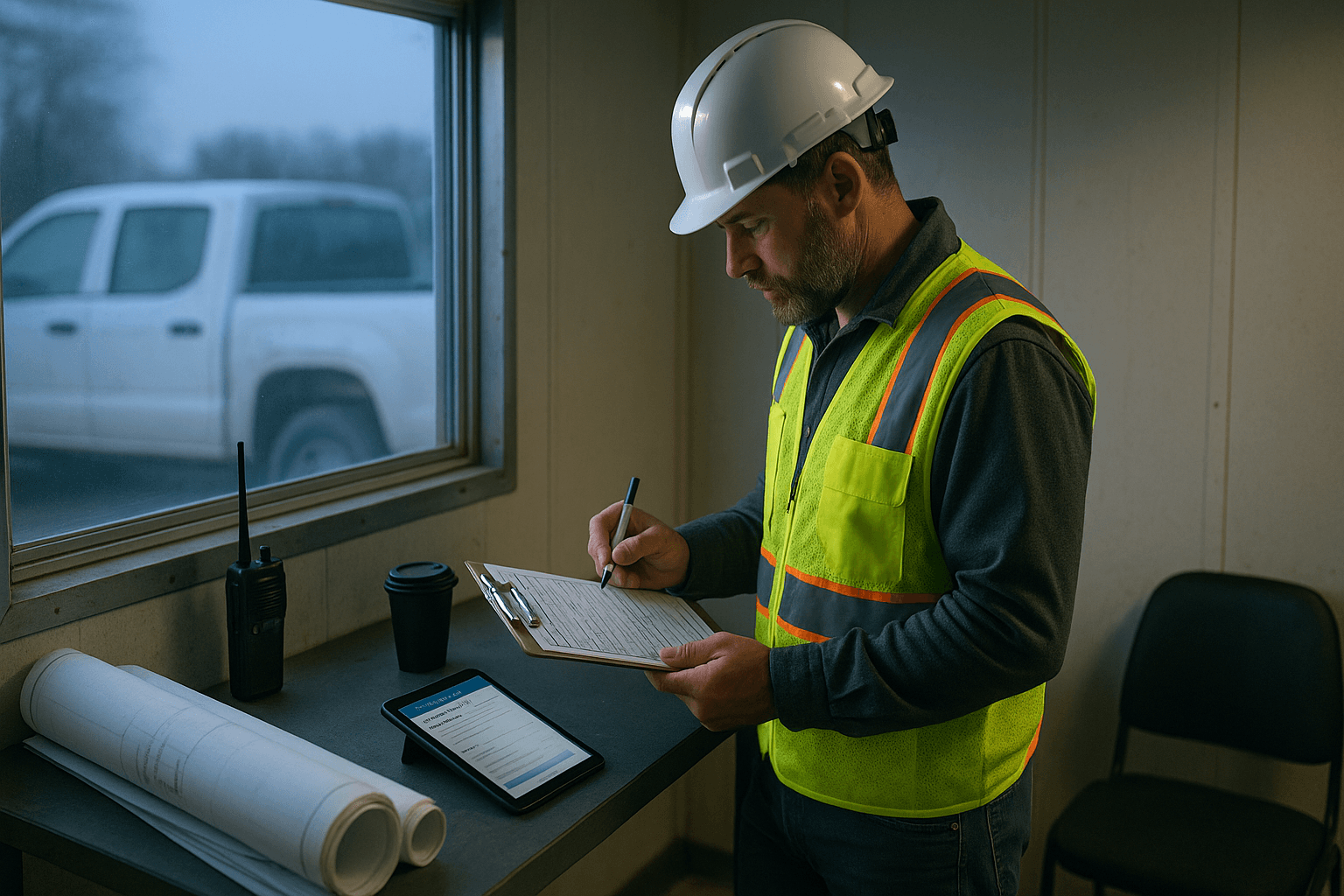
If your daily report checklist (construction) lives in your head, you’re one missed note away from a “where’s that documented?” phone call. This is a one-page, print-and-laminate checklist you can keep in the truck, on the dashboard, or clipped to your daily log board—so your report stays consistent even on the days that aren’t.
Download the Checklist
You don’t need another app to remember what to write—you need a physical, one-page checklist you can actually use at 6:15 a.m. with gloves on.
Here’s the deal: the print-friendly checklist is included in this article (below). Copy it into a doc, print it, and laminate it.
Two real jobsite scenarios where this helps immediately:
- Weather flips mid-day and you forget to note the rain delay and wet conditions. A laminated checklist forces you to capture it before you walk off.
- The GC asks for manpower + deliveries for a backcharge dispute two weeks later. If it’s on your checklist, it’s in your report.
Practical takeaway: print two copies—one for the truck, one for the job trailer.
How to Use This Checklist
This is built for speed. You’re not “writing a story.” You’re capturing proof: what happened, who was there, what got done, what blocked progress, and what changed.
Use it in two passes:
- Morning (2 minutes): fill in header, planned work, manpower, deliveries expected, inspections scheduled.
- End of day (3–5 minutes): fill in actual work completed, delays, issues, visitors, photos taken, and tomorrow’s plan.
Two quick examples:
- Concrete day: In the morning, you note pump arrival time and mix design. End of day, you record pour start/finish, curing method, cylinders taken, and any placement issues.
- Framing day: Morning plan is “set trusses on gridline B.” End of day, you log what was actually set, what got blocked (missing hangers), and what you need tomorrow (inspection + hardware).
Practical takeaway: keep a pen clipped to the laminated sheet with a string or binder clip. If you have to hunt for a pen, you won’t use the checklist.
The Complete Checklist (15 Sections)
Print this section as a one-page checklist. Keep it simple: check the box if you covered it, and write short notes next to it.
1) Project + Report Header
- Project name / number
- Date
- Reported by (Super/Foreman)
- Jobsite address / area (Building, Level, Grid)
- Day # / Week # (optional)
Why it matters: when things get forwarded, screenshotted, or pulled into a claim file, the header is what keeps your notes usable.
2) Weather + Site Conditions
- High/low temp
- Precipitation (rain/snow) and time window
- Wind (if relevant)
- Ground conditions (mud, frost, standing water)
- Weather impact (delay, productivity hit)
Why it matters: weather is the cleanest, most defensible reason for lost production—if you actually document the impact.
3) Work Planned vs Work Completed
- Planned work (top 3 tasks)
- Work completed (what actually got done)
- % complete / quantities (linear feet, yards, rooms, panels)
Why it matters: “worked on electrical” doesn’t hold up. Quantities + locations do.
4) Manpower (By Company + Trade)
- Company names on site
- Headcount per trade
- Start/stop times (if variable)
- Overtime worked
Why it matters: manpower is the backbone for productivity discussions and schedule recovery plans.
5) Equipment On Site
- Owned/rented equipment used
- Critical equipment hours (if tracked)
- Breakdowns / downtime
Why it matters: equipment issues create real delays—documenting them protects your schedule narrative.
6) Deliveries + Material Tickets
- Deliveries received (vendor + time)
- Missing/damaged materials
- Ticket/BOL numbers (if applicable)
Why it matters: when materials are short, wrong, or late, the paperwork trail matters more than the complaint.
7) Inspections + Tests
- Inspections requested
- Inspections passed/failed
- Test results (slump, cylinders, compaction, weld)
- Inspector name (when possible)
Why it matters: inspection outcomes affect the schedule and rework—this is where disputes start.
8) Safety
- Toolbox talk topic
- JHA/Pre-task plan completed
- Incidents/near misses
- Corrective actions taken
Why it matters: safety documentation isn’t optional, and it’s often reviewed after something goes wrong.
9) Quality / Punch / Rework
- QC checks performed
- Defects found
- Rework completed
- Who was notified (subs, PM, design)
Why it matters: rework kills production. If it’s not logged, it’ll get blamed on “poor coordination.”
10) RFIs / Submittals / Design Clarifications
- RFIs raised today
- Answers received and action taken
- Submittals impacting field work
Why it matters: design uncertainty is a common delay driver—document the question and the impact.
11) Changes / T&M / Extra Work
- Changed conditions observed
- T&M tickets started/signed
- Photos taken for change support
Why it matters: extra work without daily documentation turns into unpaid work.
12) Issues / Delays / Constraints
- What blocked progress
- Who/what caused it (facts only)
- Time impact (hours, crew idle)
- Mitigation attempted
Why it matters: this is the difference between “we’re behind” and “here’s why we’re behind.”
13) Visitors / Meetings / Key Conversations
- Owner/Architect/Inspector visits
- Coordination meetings held
- Decisions made (who decided what)
Why it matters: when someone claims “I never said that,” your daily log is the record.
14) Photos (Proof Shots)
- Overall site progress photo
- Close-ups of critical work
- Issues/damage/hidden conditions
- Photos labeled by area
Why it matters: photos settle arguments fast—especially when tied to date + location.
15) Tomorrow’s Plan + Lookahead Needs
- Top tasks for tomorrow
- Crew needs (access, power, lifts)
- Inspections scheduled
- Material/equipment needed
Why it matters: tomorrow’s plan connects field reality to schedule and keeps the handoff clean.
Practical takeaway: if you only have time for 5 items on a bad day, hit Header, Weather, Work Completed, Manpower, Delays.
Pro Tips for Each Section
These are the “make it hold up later” details—without turning your report into a novel.
Header: Use locations like you’re drawing a map
Instead of “installed pipe,” write “Installed 2" domestic cold in Level 2 corridor, Grid C-4 to C-6.”
Two examples:
- “Patched concrete at Dock ramp, north edge (approx. 6’ x 2’).”
- “Set door frames at Rooms 214–220.”
Immediate takeaway: always include level + grid/room on any work note.
Weather: Record impact, not just numbers
Weather data alone is weak. The impact is what matters.
Two examples:
- “Rain 1:10–3:40 p.m.; crew stopped exterior caulking; productivity reduced; area covered and cleaned.”
- “Frozen subgrade at 7 a.m.; delayed excavation until thaw; skid steer idle 1.5 hours.”
Immediate takeaway: add one line: “Weather impact:” even on decent days (“No impact”).
Work Planned vs Completed: Track “misses” without blaming
Planned vs completed protects you when the schedule slips.
Two examples:
- “Planned: hang GWB in Rooms 101–108. Completed: Rooms 101–104. Missing insulation delivery prevented Rooms 105–108.”
- “Planned: pour curb at west lot. Completed: forms set only. Inspector unavailable; pour rescheduled.”
Immediate takeaway: write one sentence starting with “Blocked by…” when the plan didn’t land.
Manpower: Count heads, not just companies
A list of companies isn’t enough.
Two examples:
- “ABC Electric: 1 foreman + 6 electricians (7 total), 7:00–3:30.”
- “Steel erector: 12; added 4-hour OT to recover beam set.”
Immediate takeaway: if you don’t know exact counts, estimate and mark “approx.”—better than blank.
Deliveries: Note time + condition
Deliveries are where backcharges and delays love to hide.
Two examples:
- “Drywall delivered 9:20 a.m.; 20 sheets damaged; vendor notified; photos taken.”
- “Rebar truck arrived 2:05 p.m.; unloading delayed due to forklift battery; staged at south laydown.”
Immediate takeaway: always log arrival time and issues in the same line.
Safety: Keep it basic but consistent
Safety notes should be repeatable, not perfect prose.
Two examples:
- “Toolbox talk: ladder safety; attendance recorded; corrective: removed two damaged ladders.”
- “Near miss: loose material on scaffold deck; cleaned and re-secured; notified subcontractor lead.”
Immediate takeaway: one line for what you did about it matters more than the incident description.
Delays/Issues: Write facts that can be defended
Avoid emotion. Keep it tight.
Two examples:
- “Elevator not available 8:00–11:00; drywall crew moved material by stairs; lost approx. 2 hours.”
- “RFI #143 unresolved; held install of rated wall at Grid D-5; area secured.”
Immediate takeaway: include duration (hours) whenever possible.
Print, Laminate, Done
This checklist is designed to be a physical tool, not another tab on your phone.
Two simple ways supers actually use it:
- Dashboard copy: check boxes with a pen during short pauses (waiting on a call, walking to the trailer).
- Trailer board copy: keep it on a clipboard by the plans so you fill it out during your end-of-day wrap.
Practical takeaways:
- Print it at 100% scale so the check boxes stay usable.
- Laminate and use a fine-tip dry erase marker for daily checks.
- If you want a record, snap a photo of the filled checklist at day’s end.
FAQ
Q: What are the minimum daily report requirements I should never skip? A: At minimum: date/area, weather + impact, manpower by trade, work completed (with locations), delays/issues, and photos. Those items cover most disputes and schedule questions.
Q: How detailed should a construction daily log checklist be? A: Detailed enough that someone not on site can understand the day in 60 seconds. Use quantities + locations instead of long paragraphs.
Q: How many photos should I attach to a field report checklist? A: A good baseline is 3–8 photos/day: 1 overall progress, 2–4 key work areas, and 1–2 for issues/hidden conditions. On concrete, waterproofing, or underground days, take more.
Q: What’s the biggest mistake supers make with a superintendent checklist? A: Writing “no issues” when there were constraints. Even small blockers—waiting on access, missing material, inspection delays—should be logged with time impact.
Q: Can I do this faster without typing every night? A: Yes—capture the checklist items as voice notes while you walk the job, then convert to a structured report.
Ready to cut your daily report time from 45 minutes to 3? ProStroyka turns your voice notes into professional PDF reports automatically. Start your free trial — no credit card required.