Mobile Apps vs Paper Forms: Why Digital Daily Reports Win
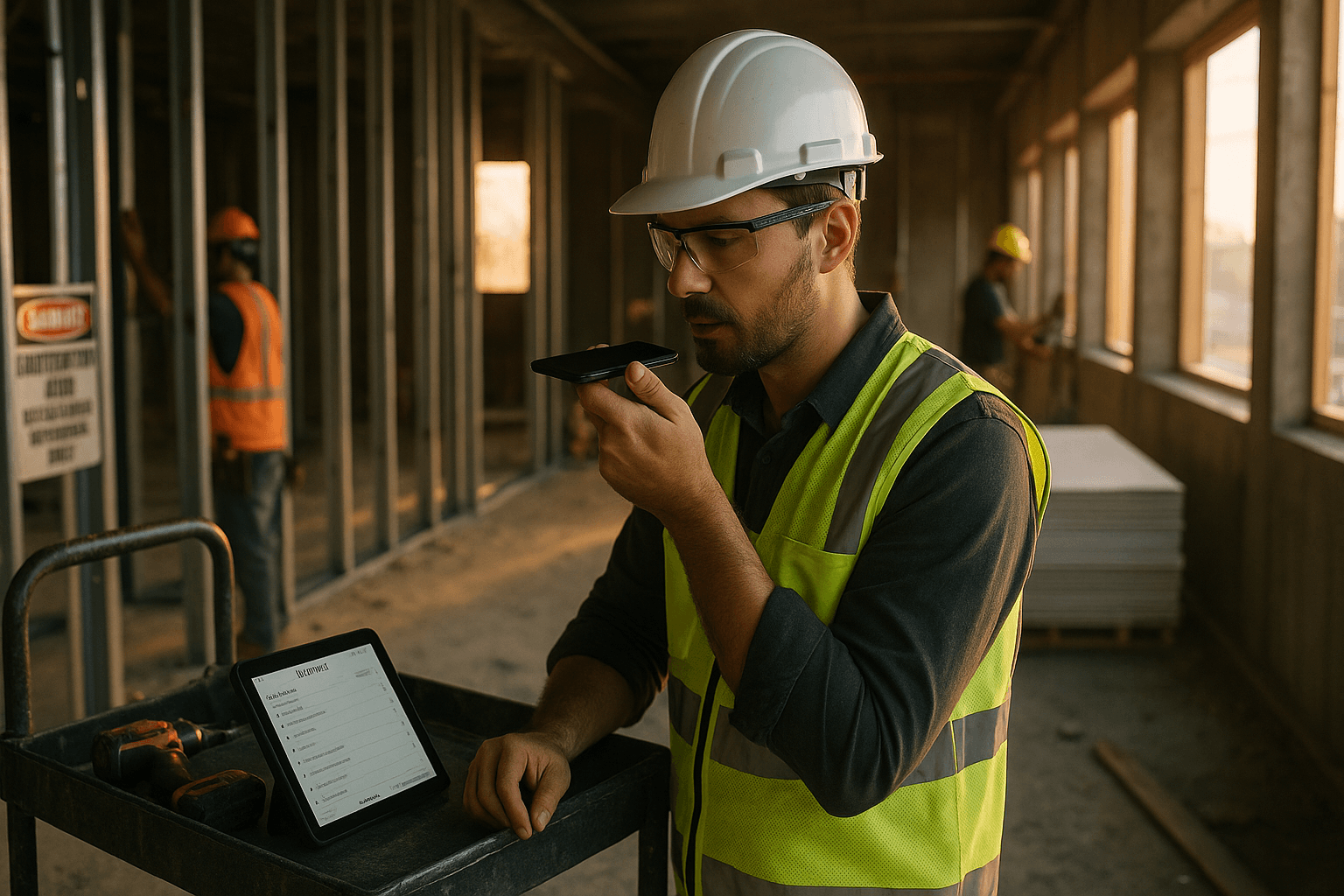
If you’re still doing digital daily reports construction hasn’t fully earned your trust yet—or you’re sticking with paper because “it works”—you’re not alone. Paper daily reports have kept jobs moving for decades. The problem is the hidden costs don’t show up until you’re chasing a missing report two years later, re-creating weather notes for a claim, or explaining to the office why the binder’s empty.
Table of Contents
- The Paper Daily Report in 2026
- True Cost of Paper Reports
- What Digital Daily Reports Offer
- Common Objections (And Reality)
- Hybrid Approach
- Making the Switch
- FAQ
The Paper Daily Report in 2026
Paper daily reports still do the job: you write down labor, equipment, deliveries, weather, visitors, issues, and progress—then you hand it in. On smaller jobs, that binder in the trailer can feel “good enough,” especially if your team’s used to it.
But 2026 construction is more documented than ever. Owners expect fast answers. GCs and subs get pulled into more back-and-forth on delays, safety, and change events. And the biggest shift isn’t that paper stopped working—it’s that the cost of being slow got higher.
Two real-world scenarios that make paper feel fine… until it doesn’t:
- Scenario 1 (small remodel): The foreman fills out one page at the end of the day. It’s quick. Six months later, a dispute comes up about when a shutdown started. The report exists—somewhere—if anyone can find it.
- Scenario 2 (multi-floor TI): The superintendent keeps a neat binder. Weekly meetings run smoothly. Then the PM asks: “How many days did the drywall crew have fewer than 6 guys onsite?” That’s not a paper-friendly question.
Paper isn’t “bad.” It’s just not built for the way documentation gets used later.
True Cost of Paper Reports
When people compare paper vs digital daily reports, they usually compare the obvious: a paper form costs pennies, an app costs a monthly subscription. That’s the wrong comparison.
The real cost of paper is time + storage + retrieval + risk. Those don’t hit the budget line item called “daily report.” They hit your overtime, your admin workload, and your ability to defend decisions.
Time cost
Here’s the clearest data point decision-makers care about: paper takes 2–3x longer than digital in typical field conditions.
A realistic comparison (based on common workflows on active sites):
| Task | Paper daily report (typical) | Digital daily report (typical) |
|---|---|---|
| Collect details (labor, deliveries, issues) | 10–15 min (often scattered) | 5–10 min (captured as you go) |
| Fill out report end-of-day | 15–25 min | 5–10 min |
| Add photos/attach notes | 10–20 min (print, staple, or send separately) | 2–5 min (attach in-app) |
| Send to office/GC/client | 5–15 min (scan, email, or physically deliver) | <1 min (share/export) |
| Total per day | 40–75 min | 8–25 min |
Even if your paper process is “tight,” it’s hard to beat the reality that digital captures info faster and reuses it.
Two examples you’ll recognize:
- Example 1 (concrete pour day): Paper reports often get done late—after cleanup—when you’re tired and details blur. Digital reporting lets you log truck times and issues on the spot, then your end-of-day “report” is mostly reviewing what’s already captured.
- Example 2 (multiple subs rotating): With paper, you’re rewriting the same subcontractor names, headcounts, and activities day after day. Digital tools can auto-fill recurring entries and standardize activity categories.
Practical takeaway you can use this week:
- Time yourself once. Pick a normal day and record how long paper reporting actually takes—including scanning/sending. Most teams underestimate it by 15–30 minutes per day.
Storage cost
Paper storage seems cheap until you calculate the full footprint:
- Physical space (file cabinets, banker boxes, storage rooms)
- Labor to organize it
- Offsite storage fees (if you use them)
- The “shadow storage” (people keeping their own copies because they don’t trust the system)
A simple cost model for a mid-size contractor:
- 5 active projects
- 1 daily report per project per day
- ~250 workdays/year
- That’s 1,250 reports/year
- Each report is 1–3 pages, often with attachments
That quickly becomes several boxes per year. If you keep records for 7–10 years (common in construction), you’re storing a small library.
Two real-world storage scenarios:
- Scenario 1 (office cabinet overflow): The cabinet fills up, so older reports get moved to a closet. Then to a storage unit. Now the “system” is three locations and one person who knows where things are.
- Scenario 2 (trailer binder): Reports live onsite in a binder. When the job closes out, someone throws the binder in a box with closeout docs. Good luck finding a specific day later.
Practical takeaway:
- If you insist on paper, at least standardize: one binder per job, one labeled box per quarter, and a simple index sheet. That alone can cut your future search time.
Retrieval cost
This is the hidden cost that convinces most fence-sitters.
Paper is fine when you’re reading yesterday’s report. It falls apart when you need something months or years later—which is exactly when the stakes are higher (claims, backcharges, warranty issues, safety investigations).
Let’s put numbers to retrieval.
A common request: “Find the daily report from March 14, two years ago, and confirm manpower and weather.”
- Paper retrieval (typical): 15–60 minutes
- Find the right box/binder
- Flip pages
- Hope the date is correct
- Scan or photograph it
- Email it
- Digital retrieval (typical): 10–60 seconds
- Search by date, project, subcontractor, tag, or keyword
- Export/share PDF
If you get just 2 retrieval requests per month (not unusual), paper can easily burn:
- 2 requests × 12 months × 30 minutes average = 12 hours/year
And that’s conservative. Many teams get bursts during closeout or a dispute.
Two examples:
- Example 1 (delay claim support): The owner asks for a timeline of weather days and manpower dips. With paper, someone manually compiles it. With digital construction documentation, you filter and export.
- Example 2 (safety incident follow-up): You need visitor logs, subcontractor presence, and notes from that day. Paper means hunting down multiple sources. Digital can keep it tied to the date and project record.
Practical takeaway:
- Ask your PM or office admin: “How often do you pull old dailies?” If the answer is “all the time,” paper is already costing you—just quietly.
Loss risk
Paper can be lost, damaged, or made unusable without anyone noticing until it matters.
Risk points include:
- Coffee/water damage in the trailer
- Fire or flood in storage
- Binder walks off the jobsite
- Pages get torn out or misfiled
- Handwriting is unreadable (especially when you’re rushing)
Digital isn’t “risk-free,” but modern systems reduce these risks with backups, access controls, and audit trails.
Two scenarios that happen more than people admit:
- Scenario 1 (the missing week): A superintendent takes a few days off, and the replacement forgets to fill out the binder. Nobody catches it until a dispute comes up.
- Scenario 2 (scan-and-save failure): Paper reports get scanned “later.” Later turns into never. Now you have partial digital records and partial paper records—worst of both worlds.
Practical takeaway:
- If you’re staying on paper for now, build a “same-day capture” rule: scan every report before you leave the site (even a phone scan). It’s not perfect, but it reduces total loss risk.
What Digital Daily Reports Offer
Good construction reporting apps don’t just replace the paper form—they change the workflow.
Here’s what digital daily reports typically improve:
- Faster input: Voice notes, checklists, dropdowns, and auto-fill
- Automatic structure: Labor, equipment, activities, delays, weather, photos—organized consistently
- Instant sharing: PDFs and links for owners, GCs, and office teams
- Search and filtering: Find “drywall,” “rain,” “missing delivery,” or a subcontractor name across months
- Better consistency: Less “freehand variation” between supers and foremen
Two examples of how digital changes the day:
- Example 1 (end-of-day rush): Instead of staying 45 minutes late, you record a 2–3 minute voice recap while locking the gate. The report is generated and emailed before you’re offsite.
- Example 2 (field-to-office alignment): The office doesn’t need to retype your handwriting into a system. Your report is already clean, structured, and shareable.
This is where daily report software benefits show up in measurable ways:
- Fewer admin hours
- Faster dispute response
- Better documentation quality
- Less dependence on “who remembers what”
ProStroyka’s approach is built around that reality: true voice-first AI that turns a short voice note into a structured PDF daily report. It also supports Spanish, includes offline mode for bad signal areas, and is priced to fit typical job budgets (early bird $49/month, regular $99). Compared to tools like Raken ($100+/user) or enterprise platforms like Procore, the goal is simple: make reporting fast enough that people actually do it daily.
Common Objections (And Reality)
Skepticism is healthy. In construction, you don’t bet the job on shiny software. Here’s the fair version of the common objections—plus what actually works in the field.
My crew won’t use apps
This is real. Some crews don’t want another login, another screen, another “office” task.
Reality check:
- Most crews don’t hate apps—they hate extra steps.
- If digital takes longer than paper, adoption dies.
- If the tool fits the field (voice, minimal typing, offline), adoption improves fast.
Two practical scenarios:
- Scenario 1 (foreman resistance): A foreman refuses to type on a phone. Voice-first reporting solves that: he talks like he normally does—“Had 6 guys, hung board in Unit 12, inspector came at 2”—and the system structures it.
- Scenario 2 (language mix): Your site has bilingual communication. If the tool supports Spanish entry, reporting stops being “only for the English speakers.”
Practical takeaways:
- Pick one champion (one respected foreman or super) and run a 2-week pilot.
- Measure time saved per day, not “how cool the app is.”
I don’t trust the cloud
Also fair. Construction data feels sensitive: delays, photos, safety notes, manpower.
Reality check:
- A locked filing cabinet is not automatically safer than cloud storage.
- Cloud systems can provide access control, encryption, backups, and audit logs.
- The bigger risk is usually process risk: lost binders, no backups, one person holding the keys.
Two scenarios:
- Scenario 1 (office break-in or fire): Paper is gone. Cloud systems with proper backups are built for that kind of event.
- Scenario 2 (shared cabinet access): Anyone in the office can open a cabinet and pull reports. With digital, you can restrict who sees what and track access.
Practical takeaways:
- Ask vendors direct questions: Where is data stored? How is it backed up? Can you export PDFs anytime?
- Maintain an export habit (weekly or monthly PDF archive) if it helps your comfort level.
Paper is fine for legal
Paper absolutely can hold up. Many companies have won disputes with paper records.
Reality check:
- Legal strength comes from consistency, completeness, and retrievability, not paper itself.
- Courts and arbitrations accept digital records when they’re authentic, time-stamped, and maintained properly.
- The biggest legal problem with paper is missing days, unreadable notes, and inconsistent formats.
Two examples:
- Example 1 (change order support): A clean digital report with dated photos and clear notes on impacts is often stronger than a vague handwritten line.
- Example 2 (manpower dispute): If your daily reports consistently list subcontractor counts and activities, you can defend productivity claims faster—whether the record started as voice, typed, or checkbox.
Practical takeaways:
- Whatever system you use, standardize required fields: labor, equipment, weather, delays, inspections, visitors, safety notes.
- If you go digital, confirm you can export PDFs for your project records and keep them under your retention policy.
Hybrid Approach
A full switch doesn’t have to be Day 1. A paperless construction workflow is a direction, not a light switch.
Hybrid is often the smartest transition because it reduces risk and keeps production moving.
Two hybrid approaches that work:
- Approach 1 (digital capture + PDF output): Field logs digitally (voice or mobile), then the office stores PDFs in the project folder structure everyone already understands.
- Approach 2 (paper backup for critical days): Use digital daily reports for normal days, but print a PDF for major milestones (pour days, inspections, turnover events) if stakeholders want a paper trail.
Two scenarios where hybrid shines:
- Scenario 1 (GC requires a specific form): You can generate a structured PDF and still meet the GC’s format expectations.
- Scenario 2 (remote site with weak service): Offline mode lets you capture onsite, then sync when you’re back in coverage.
Practical takeaway:
- Define the hybrid end date. “Hybrid forever” usually means “double work forever.” Pick a realistic target (30–60 days) to phase paper out.
Making the Switch
The biggest mistake is trying to digitize everything at once. The second biggest mistake is choosing a tool that makes the field type more.
A practical switch plan that respects how jobsites operate:
-
Step 1: Map your current report (30 minutes).
- What fields are non-negotiable?
- Who needs the report and when?
- Where does it get stored?
-
Step 2: Pilot on one project for 2 weeks.
- Track: time to complete, missing info, office follow-ups
- Keep paper as backup during pilot (no pressure)
-
Step 3: Standardize categories.
- Use consistent activity labels (framing, rough-in, drywall, punch)
- Standardize delay reasons (weather, RFI, material, access)
-
Step 4: Train the right way (15 minutes, not 2 hours).
- Show the crew the fastest path: voice note → review → send
- Don’t start with advanced features; start with “get the daily done.”
-
Step 5: Lock in a retrieval habit.
- Once a week, test search: “Find last Tuesday’s delivery note”
- If retrieval is easy, adoption sticks because people see the value
Two examples of “making it stick”:
- Example 1 (foreman buy-in): Tell the foreman the goal is to leave on time. If the digital tool cuts end-of-day reporting from 45 minutes to 10, he’ll defend it for you.
- Example 2 (PM buy-in): Show the PM how quickly you can pull a report and photos for an RFI or a delay conversation. When the office feels the benefit, support follows.
FAQ
Q: Are digital daily reports really faster, or is that just marketing? A: In most real workflows, digital is faster because it reduces rework: no rewriting, no scanning, no separate photo handling, and less “end-of-day memory tax.” A typical paper report lands around 40–75 minutes/day, while a digital workflow often lands around 8–25 minutes/day, depending on how much detail you capture.
Q: What if my site has bad reception? A: Bad signal is common. Look for tools that support offline mode so you can capture notes and photos onsite and sync later. A hybrid period (paper backup for a few weeks) can reduce stress while you validate the workflow.
Q: Is cloud storage actually safer than a locked cabinet? A: Often, yes—because it’s backed up, access-controlled, and less vulnerable to single-location loss (fire, flood, theft). The key is using a reputable system and keeping an export/archive routine that matches your retention requirements.
Q: Will digital reports hold up in disputes or claims? A: They can, as long as you maintain consistent records, time-stamps, and retention practices. The bigger issue isn’t paper vs digital—it’s missing days, vague notes, and inconsistent formats.
Q: Do I need to go fully paperless to see benefits? A: No. A hybrid approach works well: start with digital capture and PDF output, then phase paper out once the team trusts the process. The goal is fewer steps and faster retrieval, not forcing change overnight.
Ready to try digital? ProStroyka makes the switch easy. ProStroyka turns your voice notes into professional PDF daily reports automatically—so you’re done in minutes, not an hour. Start Free Trial — no credit card required.