Voice-to-Text for Construction: The Future of Field Documentation
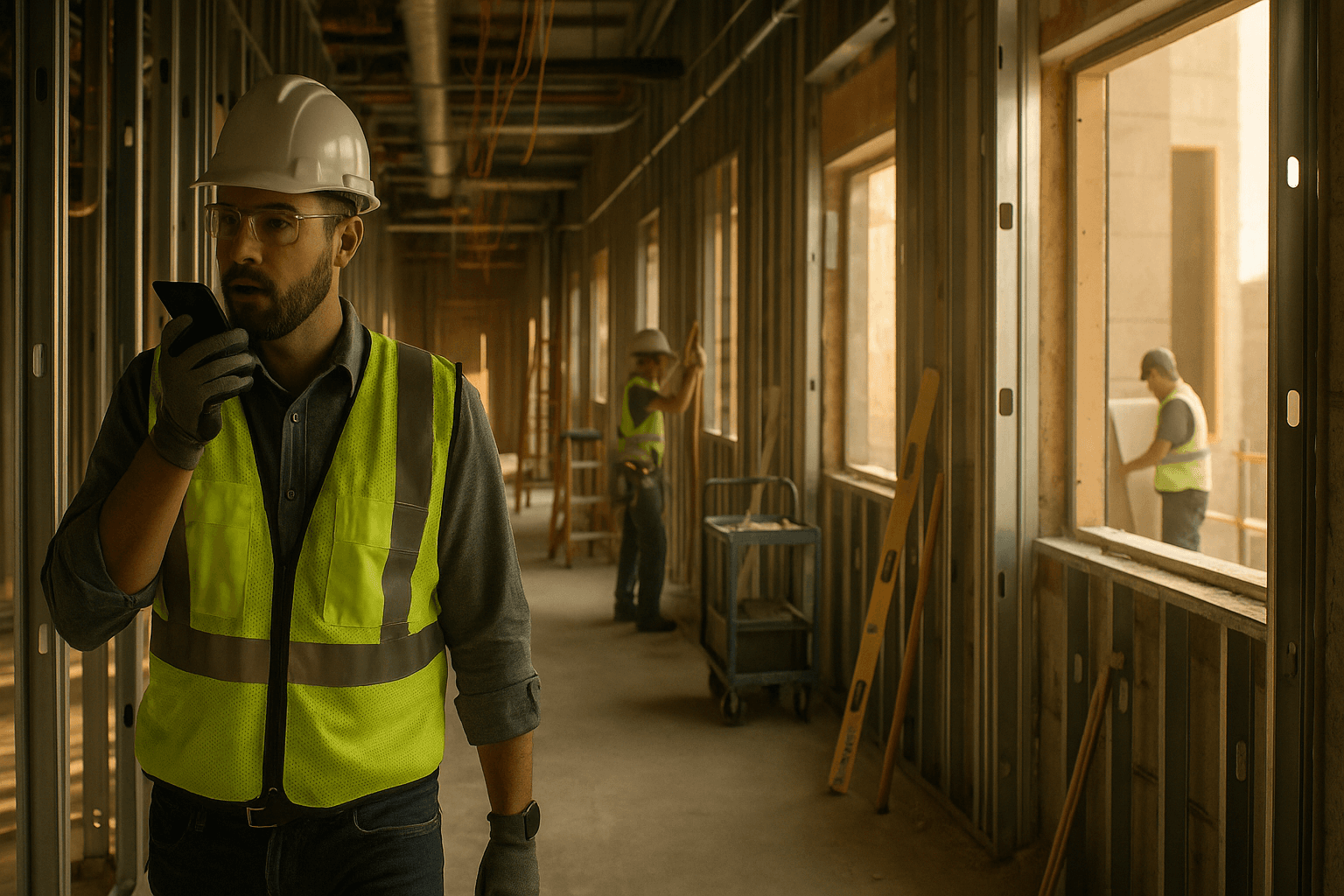
Typing daily logs in a trailer at 6:30 PM is nobody’s idea of “project management.” That’s why voice to text construction tools are getting real traction: you can talk through what happened while it’s fresh, instead of trying to remember it later with muddy boots and 2% phone battery.
Table of Contents
- Why Voice Makes Sense for Construction
- How Voice-to-Text Technology Works
- Voice-to-Text vs Voice-to-Report: What's the Difference?
- Benefits for Field Workers
- Current Voice Technology Options
- Common Concerns (And Why They're Overblown)
- Real-World Implementation Tips
- The Future: AI That Understands Construction
- FAQ
Why Voice Makes Sense for Construction
Construction isn’t an office industry. You’re moving—walking a slab, climbing stairs, checking door swings, verifying embeds, chasing subs, answering RFIs. Documentation has to happen in motion, or it doesn’t happen at all.
Here’s the simple math: average typing speed is around 40 WPM, while average speaking is around 150 WPM. Even if you’re a fast typist, the jobsite isn’t set up for typing. Gloves, dust, glare, cold fingers, and a phone keyboard that feels like a prank.
Two real situations where voice wins:
- Punch walk: You’re flagging missing fire caulk, damaged corner bead, and a door that won’t latch. Stopping to type turns a 20-minute walk into 45 minutes.
- Concrete day: Placement starts early, problems happen fast, and by the time you sit down you’ve forgotten who was on the vibrator and when the trucks actually arrived.
Voice reporting construction works because it matches how the field actually runs: short updates, constant movement, and time pressure.
Practical takeaway you can use tomorrow: pick one moment you already talk—like your end-of-day call with the PM—and record it as your first construction voice notes habit. No new meeting. No extra time. Just capture what you already say.
How Voice-to-Text Technology Works
Most “speech to text construction” tools follow the same pipeline:
- Audio capture (your phone mic, headset, or tablet)
- Noise filtering (tries to separate your voice from equipment, wind, and other people)
- Speech recognition (turns sound into words)
- Punctuation + formatting (adds periods, line breaks, sometimes speaker labels)
The big improvement in the last few years is that modern AI models are far better at handling:
- Accents and fast talking
- Partial sentences (“Framing… mostly done… except south wall”)
- Background noise (up to a point)
- Domain language (rebar sizes, MEP terms, trade slang)
But it’s still not magic. If you mumble into your pocket next to a running skid steer, the output won’t be perfect. The win is that it’s good enough to capture the facts fast—and then you review/edit the final output.
Two examples of how it behaves on a real site:
- MEP rough-in: You say “Set three RTUs on the roof, curb adapters pending,” and it typically gets “RTUs,” “curb,” and “pending” correctly because those terms are common in construction contexts.
- Civil work: You say “Installed 30 LF of 12-inch RCP, compaction test at station 10+50,” and it usually catches “LF,” “RCP,” and stationing better than older dictation tools—though you may still need to confirm numbers.
Practical takeaway: when you dictate, speak in short chunks and include numbers twice (“12-inch—one two-inch”). That one habit boosts accuracy on quantities and dates.
Voice-to-Text vs Voice-to-Report: What's the Difference?
This is the key distinction most teams miss: voice-to-text is not the same as voice-to-report.
A basic voice to text construction app does one thing: it dumps your spoken words into a text field. You still have to organize it, clean it up, and turn it into something your PM/owner/GC can actually use.
Voice-to-report goes further: it takes your voice notes and turns them into a structured daily report—with sections like manpower, work performed, delays, safety, deliveries, equipment, visitors, and photos.
Think of it like this:
- Voice-to-text = a pile of lumber
- Voice-to-report = framed walls with openings in the right place
Two scenarios that show the difference:
- Basic voice-to-text scenario: You dictate: “Drywall on level 2, two guys short, inspection failed at stairwell, material delivery late.” You get a paragraph. Now you still need to split it into “Work Completed,” “Manpower,” “Issues/Delays,” and “Inspections.”
- Voice-to-report scenario: You dictate the same thing, and it’s automatically sorted into the right buckets, with a professional tone and clean formatting ready for a PDF.
That jump—from raw text to organized documentation—is where time savings really show up.
This is also where AI construction documentation becomes practical instead of gimmicky. The point isn’t “AI wrote something.” The point is: you spent 3 minutes talking instead of 45 minutes typing and formatting.
Practical takeaway: before you choose a tool, ask one question: “After I talk, do I still have to build the report?” If yes, you’re buying dictation—not documentation.
Benefits for Field Workers
Field documentation fails for predictable reasons: you’re busy, you’re moving, and you’re tired at the end of the day. Voice reduces friction in the exact spots where documentation usually breaks.
Speed (45 min → 3 min)
Most supers and foremen don’t hate documentation—they hate how long it takes after the job is already done.
A typical daily report often includes:
- Work performed by area
- Manpower by company/trade
- Deliveries and equipment
- Delays/impacts
- Safety notes
- Inspections and visitors
- Photos and notes
Typing that up can easily run 30–45 minutes, especially when you’re trying to remember details from 10 hours ago.
Voice changes the workflow:
- Do a 3-minute walkthrough at the end of the day
- Talk through what happened while you’re still on site
- Let the system format it into a report
Two time-savings examples with real numbers:
- Small commercial TI: You spend 35 minutes/day on logs. Switching to voice-to-report cuts it to 5 minutes (record + quick review). That’s ~30 minutes saved/day. Over 22 workdays, that’s 11 hours/month.
- Multi-floor residential: Logs take 45–60 minutes because you’re tracking multiple trades and areas. A voice walkthrough per floor plus photos can bring it down to ~10 minutes. That’s 35–50 minutes saved/day.
Practical takeaway: don’t aim for “perfect” on day one. Aim for faster than typing. Record for 3 minutes, then spend 2 minutes reviewing. That’s the habit that sticks.
Accuracy (AI catches what you miss)
Accuracy isn’t just about spelling. It’s about capturing the details you’ll need later when there’s a dispute.
Voice helps because it’s immediate. You’re more likely to say:
- “Owner rep requested change at grid B-4”
- “Inspection failed due to missing firestopping at stair 2”
- “Truck arrived at 9:40, second truck at 11:05”
…when you’re standing there, than when you’re tired in the trailer.
AI can also help by:
- Prompting structure (work performed, delays, safety)
- Cleaning up grammar so it’s readable
- Flagging missing sections (“No manpower listed—confirm?”)
Two examples where this matters:
- Delay documentation: You mention “delivery late—doors didn’t arrive.” A structured report encourages you to add “impact: could not hang doors on level 3,” which is the difference between a note and a defensible record.
- Manpower gaps: You say “only two electricians today.” A structured workflow pushes you to capture “Company: XYZ Electric, Count: 2,” which is what owners and GCs actually want.
No overpromises: AI won’t know your job better than you do. But it can act like a checklist that helps you not forget the basics.
Practical takeaway: when you record, always include (1) what happened, (2) where, (3) impact. Example: “Drywall delayed on level 2 due to missing lift—impact: couldn’t close up corridor.”
Hands-free (talk while walking)
This is the part other industries don’t get. A sales rep can sit at a laptop. A superintendent can’t.
Hands-free documentation matters because it lets you document while you’re already doing the work:
- Walking the site
- Checking quality
- Coordinating trades
- Verifying safety
Two real-world use cases:
- Safety walk: You spot missing guardrails and an uncovered penetration. You can speak it immediately: “Level 4 east stair landing—guardrail missing at opening. Tagged and notified foreman.” That’s documented before the moment disappears.
- QC punch: You see a cracked tile and a misaligned ceiling grid. You dictate it while taking photos. Later, your report ties the notes to the day without you rewriting everything.
Practical takeaway: use a simple trigger: “If I stop walking, I dictate.” Stop at an issue, speak one sentence, take one photo, keep moving.
Language flexibility (Spanish support)
Spanish support isn’t a “nice to have.” It’s a practical requirement on many sites.
About 34% of the construction workforce is Hispanic, and plenty of great foremen and lead hands are more comfortable describing work in Spanish—especially when they’re moving fast.
A voice tool that supports Spanish can capture better information from the people who actually know what happened:
- The concrete foreman explaining why a pour shifted
- The framing lead describing rework and material shortages
- The waterproofing crew clarifying locations and details
Two scenarios where Spanish support changes outcomes:
- Subcontractor daily input: Instead of getting a half-complete text message, your foreman records: “Hoy instalamos barrera de vapor en la fachada norte, faltó material en la tarde.” You get a clean report line: vapor barrier installed on north elevation; material shortage in afternoon.
- Safety and incident notes: In the moment, people default to their strongest language. Capturing that accurately can matter later.
Practical takeaway: roll out voice by starting with one bilingual champion on the crew. If they adopt it, others follow.
Current Voice Technology Options
Not all voice solutions are built for jobsite reality. Here’s a practical comparison so you can pick the right lane.
| Option | What it does | Where it works well | Where it breaks | Best for |
|---|---|---|---|---|
| Built-in phone dictation | Converts speech to text in any text field | Quick notes, texts, simple logs | No structure, messy paragraphs, poor workflow | Individuals who only need raw notes |
| Generic transcription apps | Records and transcribes longer audio | Meetings, interviews, office settings | Construction jargon, formatting, report structure | Turning conversations into text |
| “Voice notes” inside construction apps | Dictates into a specific field | Short comments tied to a task | Still manual reporting, limited structuring | Task-level notes |
| Full voice-to-report (ProStroyka style) | Turns voice into structured daily reports + PDF | Daily logs, walkthroughs, site reporting | Requires a consistent habit + quick review | Supers/PMs who need real documentation output |
Two practical selection examples:
- If you only need reminders: Built-in dictation might be enough (“Call supplier,” “Check embed layout”).
- If you need owner-ready dailies: You want voice-to-report so your output is consistent and formatted every day, not a wall of text.
A note on cost reality: many tools price per user and creep above $100+/user. If you’re rolling out across multiple supers or foremen, pricing adds up fast—so look hard at adoption and actual time saved, not just features.
Practical takeaway: run a 1-week test and measure one thing: minutes spent per daily report. If the tool doesn’t cut that number significantly, it’s not the right tool.
Common Concerns (And Why They're Overblown)
Skepticism is healthy. Jobsite tech fails when it ignores reality. These are the top concerns you’ll hear—and what’s actually true.
'What if there's noise on site?'
Yes, sites are noisy. And yes, noise can wreck dictation if you do it wrong.
But modern speech recognition is better than it used to be, especially when you use basic best practices:
- Step 10–15 feet away from the loudest equipment when possible
- Face away from wind
- Use a simple headset or hold the phone 6–10 inches from your mouth
- Speak in short chunks (one thought at a time)
Two realistic examples:
- Interior build-out: Noise is manageable. Voice performs well even with background chatter, impacts, and fans running.
- Exterior work with wind and equipment: Results vary. But you can still dictate key points near quieter moments (inside the truck, stairwell, or break area) and keep the workflow moving.
Practical takeaway: build a “quiet pocket” into your routine—like dictating at the end of each area (stairwell, trailer door, inside cab) instead of trying to talk next to a saw.
'I don't trust AI to get it right'
You shouldn’t blindly trust it. Documentation matters, and mistakes can cost you.
The right expectation is: AI drafts; you approve.
A good voice-to-report workflow includes:
- A quick review screen
- Editable fields (manpower, work performed, delays)
- The ability to correct names, quantities, and locations
Two places you should always verify:
- Numbers: quantities, dates, times, stationing, counts
- Proper nouns: company names, inspector names, building areas
Two examples of realistic AI limitations:
- If you say “two” and “to” quickly in a noisy area, it might mishear it.
- If your project has a unique nickname for an area (“the fishbowl”), the tool may not format it perfectly until it learns your patterns.
Practical takeaway: use a 60-second review rule—scan for numbers, names, and locations before you finalize any report.
'My crew won't use it'
Sometimes they won’t—if the tool feels like extra work or “office stuff.” Adoption is about workflow, not features.
Voice can actually be easier for crews because it matches how they already communicate: quick verbal updates.
Two ways to make adoption real:
- Start with one person who already writes dailies. Don’t try to convert the whole site at once.
- Make it pay off immediately. If the first report looks professional and saves time, people notice.
Two scenarios where crews do adopt:
- A foreman who hates typing but likes talking can send a voice update that turns into a clean log entry.
- A bilingual lead who can record in Spanish gets captured accurately without someone “translating” under pressure.
Practical takeaway: don’t pitch it as “new software.” Pitch it as “Stop typing at night. Talk for 3 minutes and go home.”
Real-World Implementation Tips
Voice only works if it becomes a habit. Here’s how to roll it out without making it a science project.
Start with a repeatable daily rhythm:
- Midday micro-log (60 seconds): What’s done, what’s blocked, what’s next
- End-of-day walkthrough (3 minutes): Trade progress by area + issues + deliveries
- Photo pass (2 minutes): Snap 5–10 photos that match what you just said
Two example routines that fit real schedules:
- Commercial superintendent: Dictate after the afternoon OAC prep: “Today we… issues… inspections… tomorrow plan.” Then attach photos.
- Residential foreman: Dictate at the truck before leaving: “Crew count, floors completed, material shortage, safety note.” Done.
Standardize what you say so reports stay consistent:
- Manpower: “Electrical—ABC Electric—4 guys”
- Work: “Level 2 east corridor—hung and taped 300 SF”
- Issues: “Delay—doors delivery late—impact: cannot close openings”
- Safety: “Toolbox talk—ladder safety—no incidents”
Two tips that reduce cleanup time:
- Use locations the same way every day (Level 3 North, Grid B-4, etc.). Consistency helps the AI structure it and helps readers scan it.
- Call out missing info while recording (“Need exact count from plumbing—confirm tomorrow”). That’s better than pretending you remember.
If you’re testing ProStroyka specifically, it helps to test it the way it’s meant to be used: voice-first with automatic structuring. Record a real walkthrough, then review the structured sections, and see whether the PDF output is client-ready.
Practical takeaway: make a one-page “dictation script” for your project (manpower, work, inspections, delays, safety). Keep it on your phone notes. After a week, you won’t need it.
The Future: AI That Understands Construction
The future isn’t just better transcription. It’s documentation that understands construction context.
Here’s what’s already realistic (and grounded):
- Better construction terminology recognition (materials, trades, abbreviations)
- Automatic structuring into daily report sections
- Spanish support that captures field input more accurately
- Offline mode for spotty service areas (record now, process when connected)
Here’s what you should be skeptical of (for now):
- AI that “knows” your schedule impacts without your input
- AI that makes contractual claims or assigns responsibility correctly every time
- Fully automated reports with no human review
Two near-future scenarios that will actually help supers:
- Smart prompts: If you mention “inspection failed,” the system asks one follow-up: “What was the reason and impact?” That’s not magic—it’s a checklist that prevents weak documentation.
- Trend memory: If you repeatedly mention “delivery delays” from one supplier, the system can surface a simple weekly summary for your PM: dates, impacts, and counts—based on what you recorded.
Construction benefits more than most industries because the documentation happens at the edge: moving, loud, bilingual, and time-starved. That’s why voice-to-report is a bigger leap here than in a quiet office.
Practical takeaway: choose tools that respect the workflow: fast capture in the field + structured output for the office. If it only does one side, you’ll feel the gap immediately.
FAQ
Q: What’s the difference between speech to text construction tools and voice-to-report?
A: Speech-to-text turns your voice into a paragraph. Voice-to-report turns your voice into a structured daily report (manpower, work performed, delays, safety, etc.) so you don’t spend another 30–45 minutes formatting and organizing.
Q: Can voice tools really handle construction noise?
A: They can handle a lot more than older dictation, especially indoors or at moderate noise levels. You’ll still get best results by speaking in short chunks, stepping away from the loudest equipment, and doing a quick review for numbers and names.
Q: Will AI get construction terminology right?
A: Modern systems are better with common construction terms (trades, materials, abbreviations), but it’s not perfect—especially for unique project nicknames and exact quantities. Expect to review and correct key details, not hit “send” blindly.
Q: Why is Spanish support such a big deal in field documentation?
A: Because a large part of the workforce is Hispanic (around 34%), and people give the best updates in their strongest language. Spanish-capable voice reporting captures more accurate daily inputs and reduces “telephone game” translations.
Q: What should I look for in a voice to text construction app?
A: Look for fast capture, strong noise handling, construction-specific structure, easy review/editing, Spanish support, and outputs your stakeholders actually want (like a clean PDF daily report). If it only fills a text box, you’re still doing the hard part.
See voice-to-report in action. Record a 3-minute walkthrough, get a professional PDF. Try ProStroyka free. ProStroyka turns your voice notes into structured daily reports automatically. Start Free Trial — no credit card required.